This blog post explains how Notion helps teams streamline project management, organize tasks, and centralize documentation in one flexible workspace. Discover how Notion’s collaborative features, customizable templates, and powerful databases make it easier for teams to stay aligned, productive, and organized across all types of workflows.
Introduction
In today’s fast-paced work environment, staying organized isn’t just helpful—it’s essential. Teams juggle countless tasks, projects, and documents, and without the right tools, things can quickly fall apart. That’s where Notion steps in. Notion gives teams a central workspace to manage everything—projects, tasks, documentation, databases, and more.
Why Team Organization Matters
When information is scattered across tools, miscommunication becomes unavoidable. Missed deadlines, duplicated tasks, and confusion can cost teams time and productivity. A consistent, centralized system helps everyone stay aligned and accountable.
What Makes Notion Different?
Notion is highly flexible. It works like digital LEGO—teams can build pages, databases, and workflows that match their exact needs. No hard rules, no rigid templates—just free-form structure with powerful organization features.
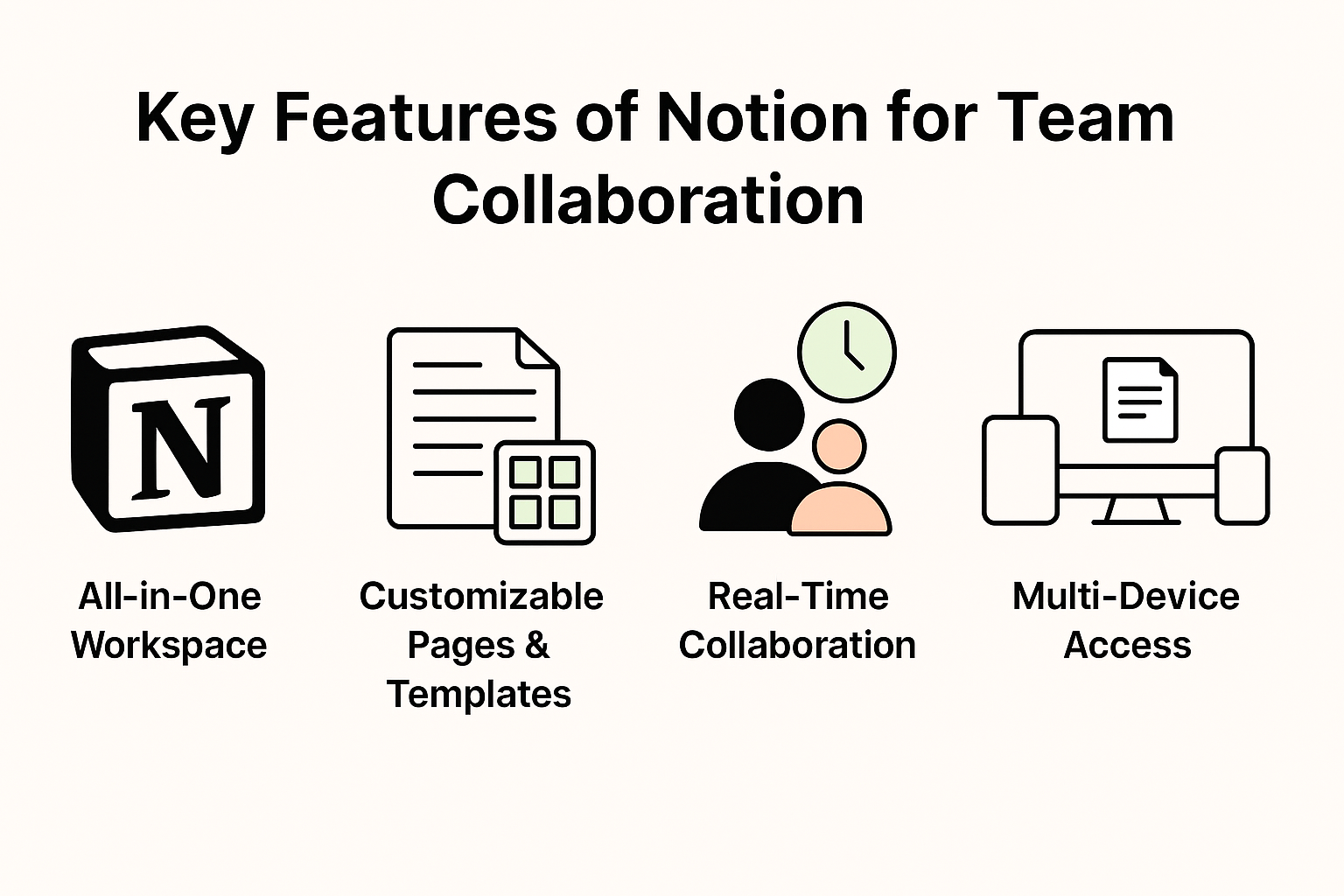
Key Features of Notion for Team Collaboration
All-in-One Workspace
Teams can store tasks, documents, calendars, notes, and databases in one place. This eliminates app switching and improves workflow continuity.
Customizable Pages & Templates
From roadmaps to meeting notes, Notion offers hundreds of templates that teams can tweak to fit their processes.
Real-Time Collaboration
Multiple team members can edit the same page at once, see changes instantly, and communicate through comments and mentions.
Multi-Device Access
Work syncs across desktop, mobile, and web apps so your team stays connected anywhere.
How Notion Helps Teams Manage Projects
Kanban Boards
Boards help teams visualize tasks and move them across stages like To Do, In Progress, and Completed.
Project Dashboards
Teams can create high-level project overviews, track timelines, and monitor status in one shared dashboard.
Goal Tracking & Milestones
Set measurable goals and link tasks directly to milestones for a clear progress overview.
Shared Task Lists
Team members can create shared checklists, assign responsibilities, and update task status in real time.
Task Management Features
Assigning Tasks
Each task can be assigned to one or more team members, with detailed descriptions and attached files.
Due Dates & Reminders
Automatic reminders help ensure deadlines aren’t missed.
Status Labels & Progress Tracking
Teams can create custom labels such as:
- Not Started
- On Hold
- In Review
- Completed
Integrating Tasks Across Workspaces
Tasks can be linked across multiple pages, ensuring nothing gets lost.
Documentation Made Easy
Unlimited Pages & Subpages
Teams can create a structured documentation system, no matter how large the project.
Wiki-Style Knowledge Base
A central place for:
- Policies
- Guides
- Tutorials
- Company knowledge
Version History
Track edits and restore previous versions easily.
Embedding Files, Media & Links
Attach PDFs, images, videos, and external links with a simple drag-and-drop.
How Teams Use Notion for Centralized Information
SOPs & Policies
Notion keeps company operating procedures organized and easily accessible.
Meeting Notes
Teams can maintain structured meeting notes with action items and follow-up tasks.
Onboarding Documentation
New employees can access onboarding materials, checklists, and training guides in one place.
Shared Databases
Store team information such as clients, assets, campaigns, or sprint tasks in searchable databases.
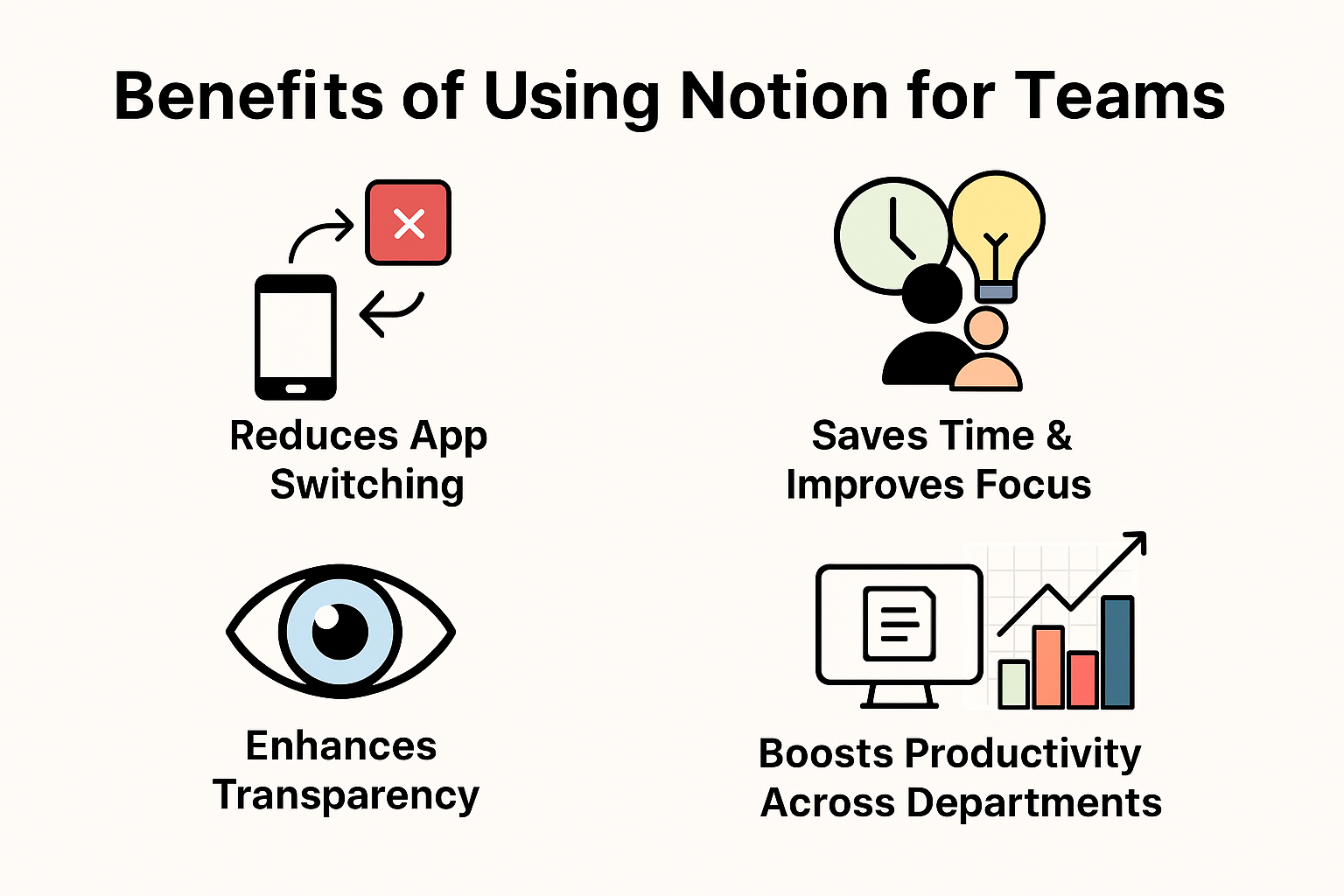
Benefits of Using Notion for Teams
Reduces App Switching
Why use five apps when one can do the job?
Saves Time & Improves Focus
Everything stays organized—less searching, more doing.
Enhances Transparency
Everyone knows what’s happening, who’s responsible, and what’s next.
Boosts Productivity Across Departments
Teams—from marketing to engineering—stay aligned and coordinated.
Notion Integrations
Slack Integration
Receive updates and notifications in Slack.
Google Drive & Dropbox
Embed cloud files directly into Notion pages.
GitHub & Productivity Apps
Developers can link pull requests and repositories for seamless workflows.
Notion for Remote & Hybrid Teams
Asynchronous Collaboration
Page updates and comments keep teams connected even when working in different time zones.
Member Roles & Permissions
Admins can control who edits, views, or comments on content.
Real-Time Edits Across Time Zones
Keep everyone aligned without back-and-forth emails.
Practical Use Cases
Marketing Teams
Campaign calendars, content plans, and analytics tracking—all in one place.
Development Teams
Sprint boards, feature roadmaps, bug tracking, and documentation.
HR & Operations
Employee directories, HR policies, and onboarding workflows.
Creative Teams
Storyboards, asset libraries, and brainstorming pages.
Tips for Getting the Most Out of Notion
Use Templates
Start faster with ready-made layouts.
Maintain Naming Systems
Consistent naming avoids confusion.
Organize with Databases
Databases keep information searchable and structured.
Add Automation Where Possible
Use integrations to automate repetitive tasks.
Conclusion
Notion has transformed how modern teams organize work. With project management, task tracking, and documentation all under one roof, it eliminates clutter and improves productivity. Whether you’re a startup, a remote team, or a large enterprise, Notion gives you the tools to stay organized, aligned, and efficient.
Frequently Asked Questions