The Art of Conversion: Instapage Review for Marketers explores how Instapage helps marketers turn clicks into high-converting leads and customers. This blog post breaks down Instapage’s key features, conversion-focused tools, A/B testing capabilities, and real-world use cases to help marketers decide if it’s the right landing page platform for maximizing ROI and campaign performance.
Introduction to Conversion-Focused Marketing
Let’s be honest—getting traffic is hard, but converting that traffic is even harder. You can pour money into ads, SEO, and social media, but if your landing page doesn’t convince visitors to take action, it’s like pouring water into a leaking bucket. That’s where conversion-focused tools like Instapage come into play.
Instapage isn’t just another landing page builder. It’s a platform designed with one clear goal: turning clicks into customers. In this detailed Instapage review, we’ll explore how it works, who it’s for, and whether it truly lives up to the hype for modern marketers.
What Is Instapage? A Quick Overview
Instapage is a cloud-based landing page platform built specifically for marketers, advertisers, and agencies. Unlike traditional website builders, Instapage focuses entirely on post-click experiences—what happens after someone clicks your ad or link.
Think of Instapage as a digital conversion lab. Every feature, from design to analytics, is optimized to help you test, refine, and improve your landing pages without needing a developer.
Why Landing Pages Matter More Than Ever
Attention spans are shrinking. Visitors decide within seconds whether to stay or leave your page. A generic homepage won’t cut it anymore, especially for paid campaigns.
Landing pages:
- Eliminate distractions
- Focus on one clear call-to-action
- Match ad intent precisely
Instapage understands this deeply, which is why everything inside the platform revolves around conversion optimization rather than just design aesthetics.
Who Should Use Instapage?
Instapage isn’t for everyone—and that’s a good thing. It’s built for professionals who care about performance.
Ideal users include:
- Digital marketers running paid ad campaigns
- Growth-focused startups
- Agencies managing multiple clients
- Enterprise marketing teams
- SaaS and lead-generation businesses
If conversions directly impact your revenue, Instapage speaks your language.
Core Features of Instapage
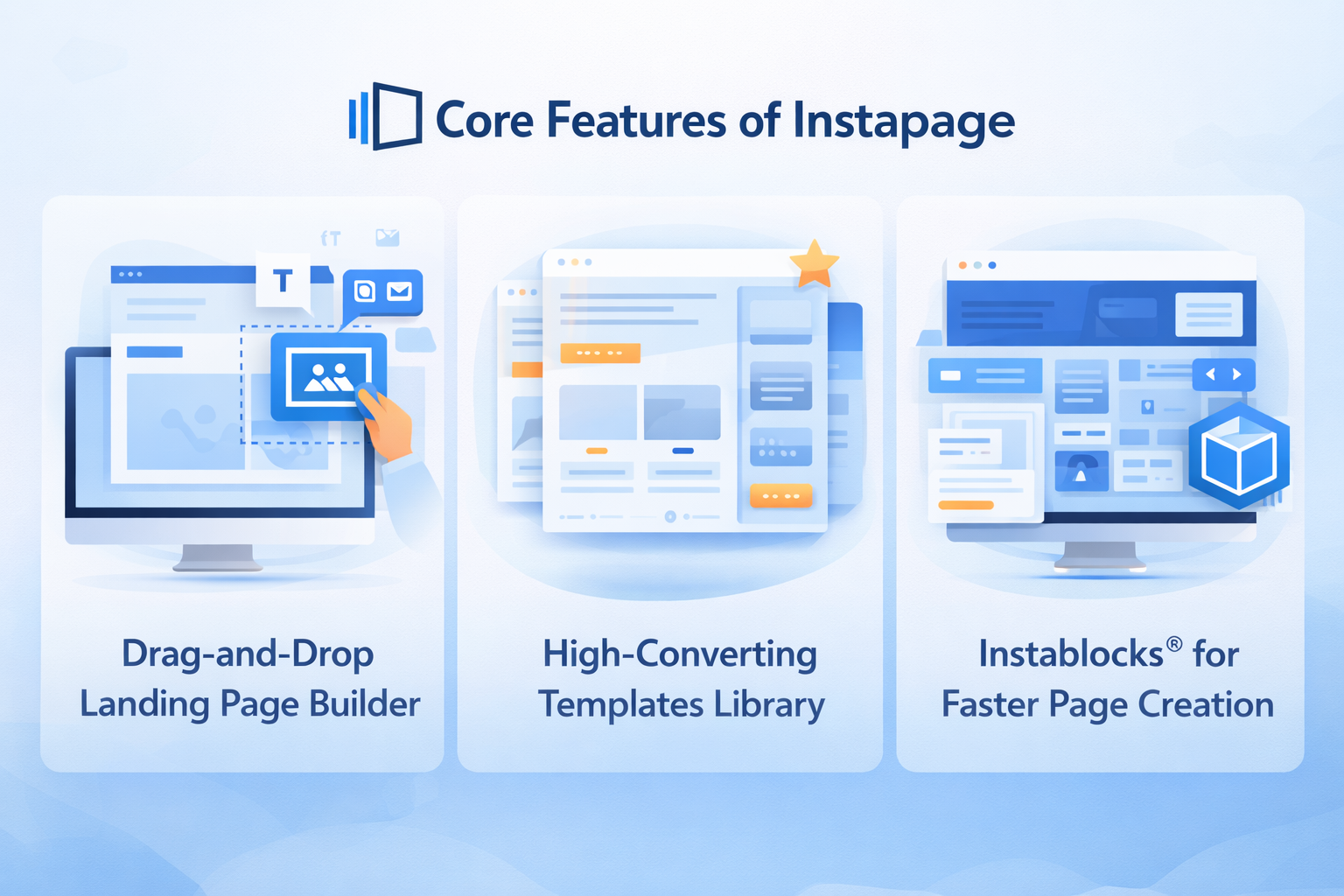
Drag-and-Drop Landing Page Builder
Instapage’s editor is one of its biggest strengths. It offers true drag-and-drop freedom, meaning you’re not locked into rigid grid systems. You can place elements exactly where you want—pixel-perfect control without touching code.
It feels more like designing in Figma than using a traditional website builder.
High-Converting Templates Library
Starting from scratch is overrated. Instapage provides hundreds of professionally designed templates optimized for different goals like:
- Lead generation
- Product launches
- Webinar sign-ups
- App downloads
Each template is conversion-tested, so you’re not guessing what works.
Instablocks® for Faster Page Creation
Instablocks® are reusable sections like testimonials, headers, footers, and pricing tables. Create once, reuse everywhere.
This is a game-changer for:
- Agencies managing multiple pages
- Large campaigns with consistent branding
- Teams that value speed and consistency
Update one block, and it updates across all pages. Simple, powerful, efficient.
Mobile-First Design Capabilities
Mobile traffic dominates the web, and Instapage treats mobile design as a priority, not an afterthought.
You can:
- Edit mobile and desktop views separately
- Hide elements on mobile
- Optimize layouts for smaller screens
No more broken mobile landing pages hurting your conversions.
Advanced Customization with HTML & CSS
For advanced users, Instapage allows custom HTML, CSS, and JavaScript. This means you get enterprise-level flexibility without sacrificing ease of use.
It’s similar to having training wheels that you can take off anytime you’re ready.
Personalization and Dynamic Content
One-size-fits-all messaging is dead. Instapage supports dynamic text replacement, allowing your landing page content to change based on:
- Keywords
- Ad groups
- Audience segments
This creates message match perfection—when visitors see exactly what they searched for, trust skyrockets.
A/B Testing and Experimentation
How A/B Testing Works in Instapage
Instapage makes A/B testing ridiculously easy. Duplicate a page, tweak a headline or CTA, and let traffic decide the winner.
No complex setups. No third-party tools. Just clean, actionable experiments.
Optimization Without Guesswork
Instead of relying on gut feelings, Instapage lets real data guide your decisions. Over time, small improvements stack up into massive conversion gains.
It’s like tuning an engine instead of replacing the whole car.
Analytics, Heatmaps, and Insights
Understanding Visitor Behavior
Built-in heatmaps show:
- Where users click
- How far they scroll
- What they ignore
This visual data is gold. It helps you spot friction points instantly.
Data-Driven Decision Making
Instapage integrates analytics directly into the platform, so you don’t need to jump between tools. Everything you need to optimize is right where you’re building.
Integrations and Marketing Stack Compatibility
CRM, Email, and Ad Platform Integrations
Instapage plays well with others. It integrates seamlessly with:
- Google Analytics
- Google Ads
- Facebook Ads
- HubSpot
- Salesforce
- Mailchimp
- Zapier
Your existing workflow stays intact.
Instapage + Google Ads = Conversion Power
Instapage was practically built for paid ads. With ad-to-page personalization and post-click optimization, it helps maximize ROI from every click you pay for.
Page Speed, Security, and Hosting
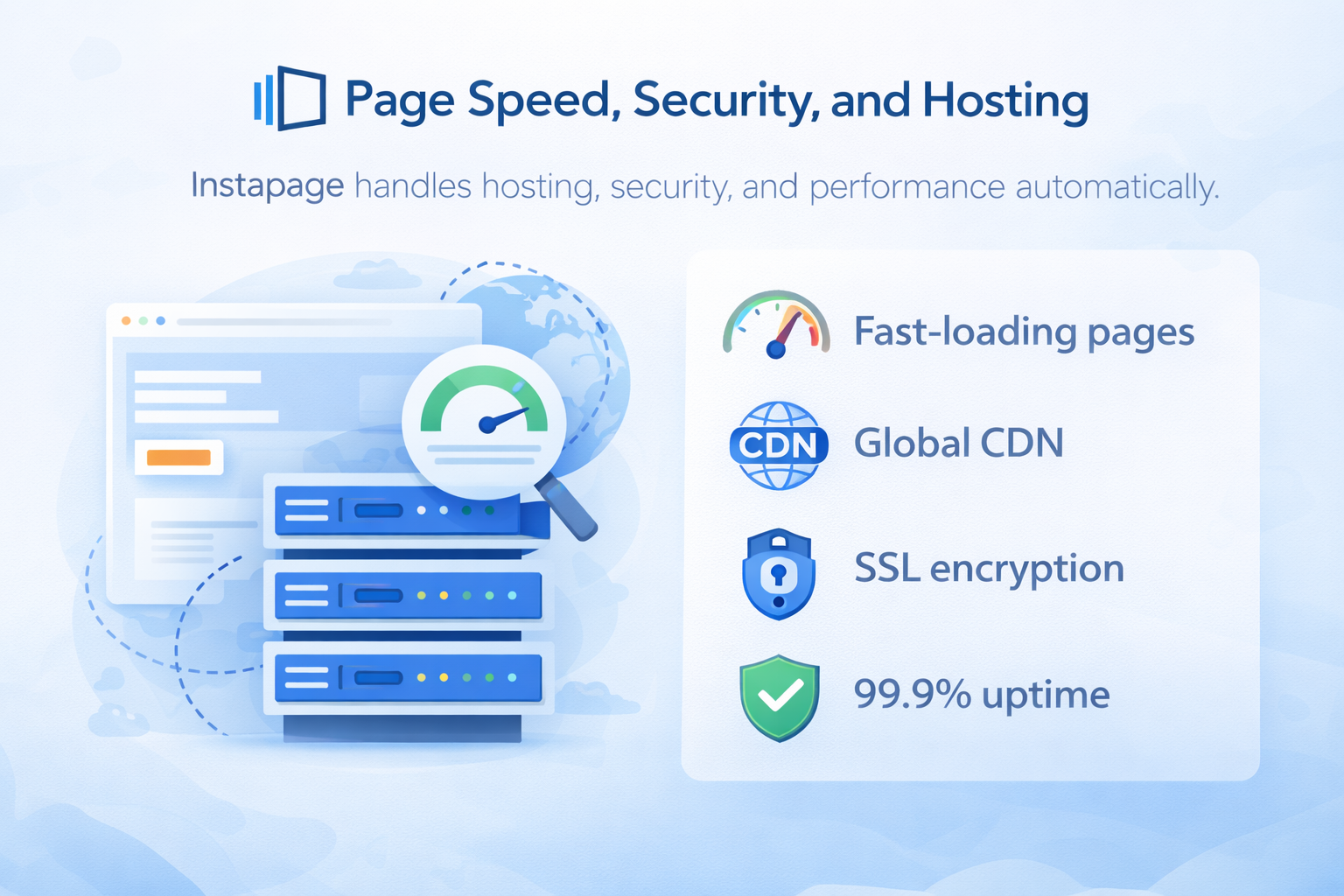
Instapage handles hosting, security, and performance automatically.
Key benefits:
- Fast-loading pages
- Global CDN
- SSL encryption
- 99.9% uptime
You focus on marketing. Instapage handles the tech.
Collaboration and Workflow for Teams
Teams can:
- Leave comments directly on pages
- Track changes
- Share previews without publishing
It’s like Google Docs for landing pages—no more endless email threads.
Pricing Plans and Value for Money
Instapage isn’t cheap, but it’s not trying to be. Pricing reflects its focus on serious marketers and businesses where conversions equal revenue.
If one improved campaign pays for the tool, the investment makes sense.
Pros and Cons of Instapage
Pros
- Exceptional design flexibility
- Powerful A/B testing
- Enterprise-grade personalization
- Excellent performance and reliability
Cons
- Higher price point
- Overkill for beginners or hobby sites
Instapage vs Competitors
Compared to tools like Unbounce or Leadpages, Instapage stands out in:
- Design freedom
- Collaboration features
- Post-click optimization focus
It’s less about building pages fast and more about building pages that win.
Real-World Use Cases
Instapage shines in:
- Paid ad campaigns
- SaaS lead generation
- Agency client work
- Enterprise marketing funnels
Anywhere conversion rates matter, Instapage delivers.
Conclusion
If marketing is your business and conversions are your currency, Instapage is absolutely worth it. It’s not just a landing page builder—it’s a conversion optimization platform built for performance-driven marketers.
Think of Instapage as the difference between guessing and knowing. And in marketing, knowing always wins.
Frequently Asked Questions