If you’ve ever sent a cold email and heard nothing but silence, you already know the frustration. The inbox is crowded, attention spans are short, and spam filters are smarter than ever. That’s exactly why tools like Woodpecker exist—and why using them correctly matters more than the tool itself.
Introduction to Cold Emailing
What Is Cold Emailing?
Cold emailing is the practice of sending emails to prospects who don’t yet know you. No prior relationship. No warm intro. Just a clear, relevant message landing in their inbox.
Think of it like knocking on someone’s digital door—but politely.
Why Cold Email Still Works in 2026
Despite social media, ads, and AI chatbots, email remains personal. It’s one-to-one. When done right, cold email feels less like marketing and more like a conversation that just hasn’t started yet.
Cold email still works because:
- Decision-makers still check email daily
- It’s cost-effective compared to ads
- It scales without losing intent—if done carefully
Understanding Woodpecker as a Cold Email Tool
What Is Woodpecker?
Woodpecker is a cold email automation platform designed to help you send personalized outreach at scale—without sounding like a robot or triggering spam filters.
Its core philosophy is simple: automate the boring parts, keep the human touch.
Who Should Use Woodpecker?
Agencies
Perfect for lead generation, link building, and client outreach.
SaaS Founders
Great for early traction, demos, and partnerships.
Sales Teams & Freelancers
Ideal for outbound sales without enterprise-level complexity.
Why Woodpecker Stands Out
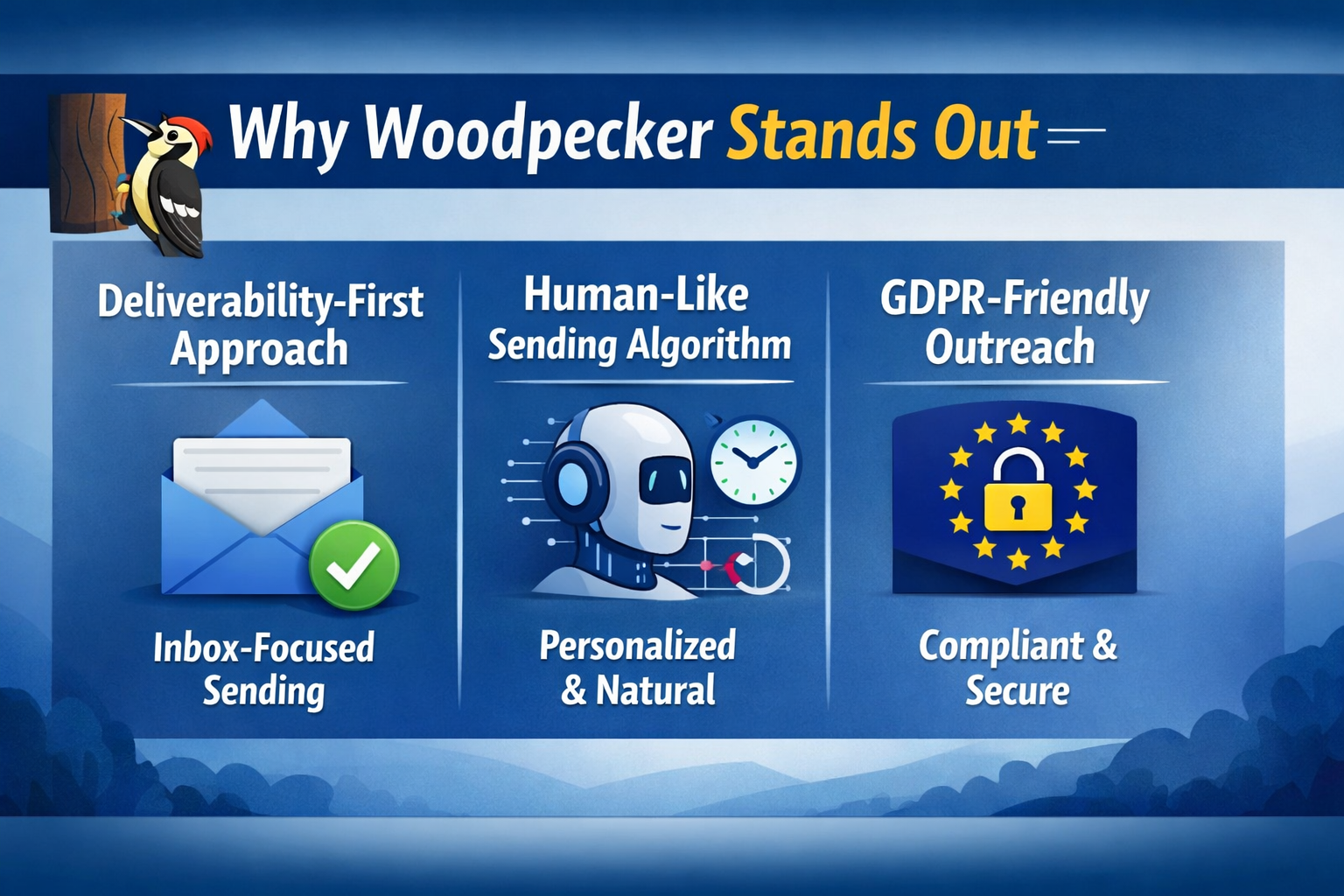
Deliverability-First Approach
Woodpecker is obsessed with inbox placement. From sending limits to reply-based automation, everything is built to keep your emails out of spam.
Human-Like Sending Algorithm
Emails are sent one by one, with realistic delays. No unnatural bursts. No suspicious behavior.
GDPR-Friendly Outreach
Woodpecker includes built-in compliance features like easy opt-outs and lawful basis support—especially useful for EU outreach.
Setting Up Woodpecker the Right Way
Connecting Email Accounts
Use a dedicated outreach email (not your main domain inbox). Google Workspace and Microsoft accounts work best.
Domain and Email Warm-Up
Before sending campaigns, warm up your inbox gradually.
Why Warm-Up Is Non-Negotiable
Sending 200 cold emails from a fresh inbox is like sprinting before stretching. You’ll pull a muscle—or in this case, get spammed.
Building High-Converting Cold Email Campaigns
Choosing the Right Prospect List
Bad lists kill good campaigns.
Focus on:
- Clear ICP (Ideal Customer Profile)
- Verified email addresses
- Real relevance (industry, role, problem)
Personalization That Actually Works
Custom Variables
First name alone isn’t personalization. Use:
- Company name
- Industry-specific pain points
- Tools they use
Icebreakers
A single line about their company, blog, or recent activity can double reply rates—if it’s genuine.
Writing Cold Emails That Get Replies
Subject Line Essentials
Short. Curious. Human.
Examples:
- “Quick question, {{FirstName}}”
- “Idea for {{Company}}”
- “Noticed something interesting”
Email Body Structure
Opening Line
Show relevance fast. One sentence.
Value Proposition
What’s in it for them? Not you.
Call to Action
One clear, low-friction ask. Not a pitch deck.
Follow-Ups That Don’t Annoy
Ideal Follow-Up Sequence
Most replies come from follow-ups, not first emails.
A solid structure:
- 1st email
- 2–3 follow-ups
- Value-added nudges, not “just checking in”
Timing and Frequency
Space follow-ups 2–4 days apart. Respect inbox fatigue.
Automation Without Sounding Robotic
Smart Campaign Logic
Woodpecker pauses sequences automatically when someone replies. No awkward “just following up” after a reply.
Conditional Follow-Ups
Different messages for:
- No reply
- Opened but ignored
- Clicked links
Improving Deliverability with Woodpecker
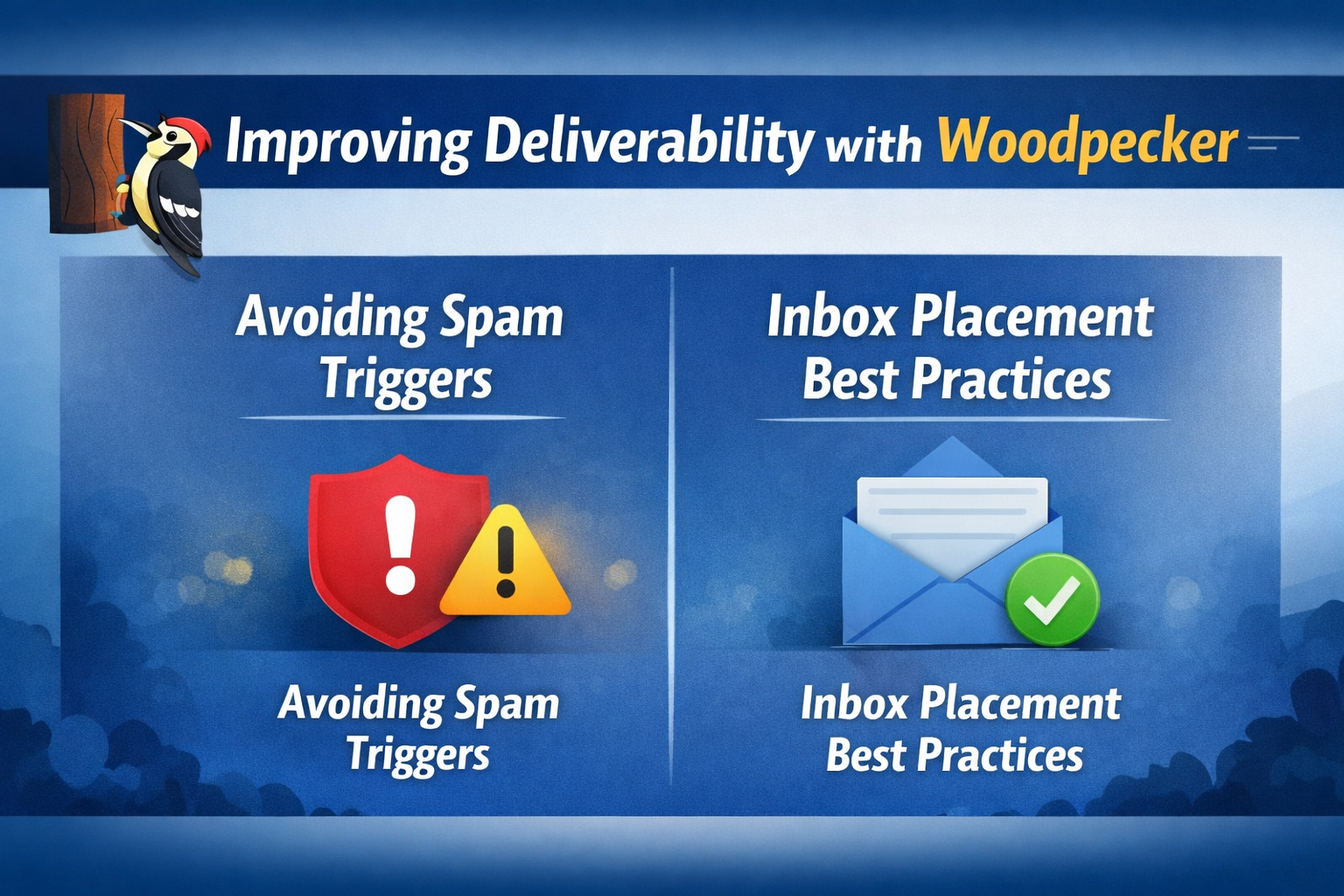
Avoiding Spam Triggers
Skip:
- Spammy words
- Too many links
- Heavy HTML formatting
Inbox Placement Best Practices
- Plain text emails
- One link max
- Encourage replies (even “no” helps)
Analytics and Performance Tracking
Key Metrics to Monitor
- Open rate (subject lines)
- Reply rate (message quality)
- Bounce rate (list health)
Reply Classification
Woodpecker auto-tags replies as positive, neutral, or negative—making optimization easier.
Integrations and Workflow Optimization
CRM Integrations
Sync with popular CRMs to keep sales and outreach aligned.
API and Webhooks
For advanced teams, Woodpecker fits neatly into custom workflows.
Common Mistakes to Avoid
Over-Automation
If it feels automated, it probably is. Scale slowly.
Poor Targeting
No tool can fix irrelevant outreach.
Woodpecker Best Practices for 2026
Scaling Safely
Increase volume gradually. Protect domains like assets.
Staying Compliant
Always include opt-out language. Respect boundaries.
Woodpecker vs Other Cold Email Tools
Woodpecker vs Lemlist
Woodpecker wins on simplicity and deliverability. Lemlist leans heavier into visuals.
Woodpecker vs Mailshake
Mailshake suits larger teams. Woodpecker shines for lean, focused outreach.
Who Gets the Best Results with Woodpecker
Real-World Use Cases
- B2B lead generation
- Link building campaigns
- Partnership outreach
- Early-stage sales validation
Conclusion
Cold email success isn’t about sending more emails—it’s about sending better ones. Woodpecker gives you the structure, safety, and control to do exactly that. Focus on relevance, respect the inbox, and treat every email like it’s written for one person—because it is.
Frequently Asked Questions