Discover how Beaver Builder simplifies website creation with its powerful drag-and-drop interface, responsive design tools, and clean code structure. In this blog post, “Beaver Builder: Your Partner in Web Design Excellence,” you’ll learn how Beaver Builder helps beginners, developers, and agencies build professional, high-performing WordPress websites without complex coding. Whether you’re launching a business site or managing client projects, Beaver Builder stands out as a reliable and performance-focused solution for modern web design.
Introduction to Beaver Builder
What Is Beaver Builder?
If building a website feels like trying to assemble furniture without instructions, then Beaver Builder is your instruction manual — simple, clear, and surprisingly enjoyable.
Beaver Builder is a powerful drag-and-drop page builder plugin for WordPress. It allows you to create beautiful, professional websites without touching a single line of code. Whether you’re a beginner launching your first blog or an agency managing multiple clients, Beaver Builder adapts to your needs.
Why Website Builders Matter Today
Let’s be honest — attention spans are short. If your website doesn’t impress within seconds, visitors bounce. That’s where modern page builders shine. They help you design visually stunning, fast-loading websites without hiring expensive developers.
And in today’s competitive digital space, that’s not just helpful — it’s essential.
The Evolution of WordPress Page Builders
From Coding to Drag-and-Drop
Not long ago, building a WordPress site meant wrestling with HTML, CSS, and PHP. It was powerful — but intimidating.
Then came drag-and-drop builders. Suddenly, website design felt less like coding and more like playing with digital building blocks.
How Beaver Builder Changed the Game
Beaver Builder focused on three things: simplicity, stability, and clean code. While others added flashy animations, Beaver Builder concentrated on performance and reliability.
It didn’t try to overwhelm you — it empowered you.
Key Features of Beaver Builder
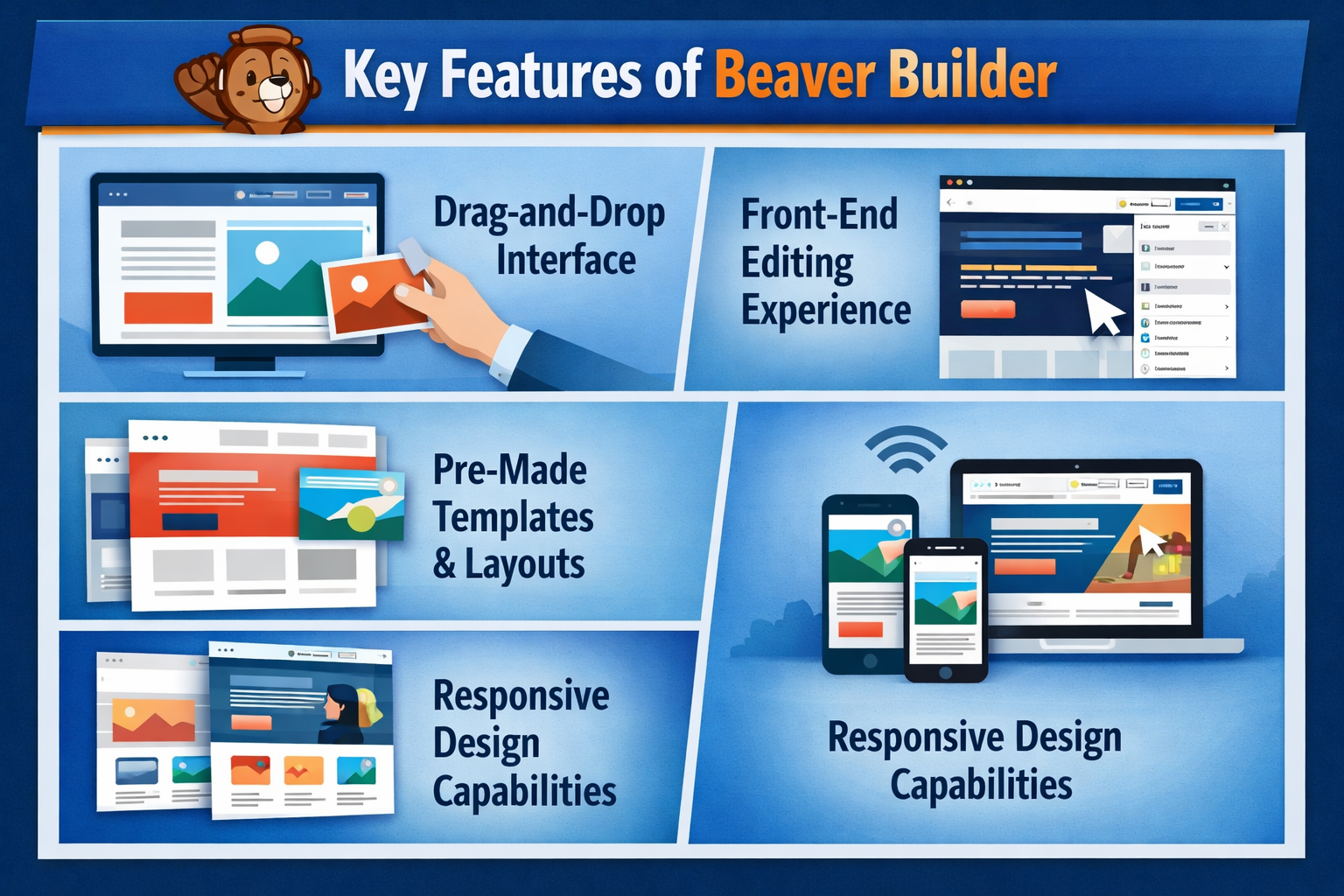
Drag-and-Drop Interface
Imagine moving elements around your page as easily as rearranging furniture in your living room. That’s the experience Beaver Builder offers.
You click, drag, drop — done.
Front-End Editing Experience
No more switching between backend editor and preview tabs. With Beaver Builder, what you see is what you get. You design directly on the live page.
Pre-Made Templates and Layouts
Need a landing page fast? Choose from professionally designed templates. These layouts save time and ensure your design looks polished from day one.
Responsive Design Capabilities
Your site will look great on desktop, tablet, and mobile. Beaver Builder automatically adjusts layouts, and you can fine-tune them for different screen sizes.
Beaver Builder Theme vs Plugin
Understanding the Difference
Beaver Builder offers both a plugin and a theme.
- The plugin works with almost any WordPress theme.
- The theme is optimized specifically for performance and compatibility with the builder.
When to Use Each Option
If you love your current theme, stick with the plugin.
If you want maximum performance and seamless integration, use the Beaver Builder Theme.
Benefits for Beginners
No Coding Required
You don’t need to be a developer. You don’t even need technical experience. Beaver Builder removes the intimidation factor.
Easy Learning Curve
Within a few hours, you’ll feel confident navigating the interface. It’s intuitive — like using PowerPoint, but for websites.
Benefits for Developers and Agencies
Clean Code Structure
Developers appreciate Beaver Builder because it generates clean, readable code. That means fewer conflicts and easier customization.
White Labeling Capabilities
Agencies can white-label Beaver Builder, replacing branding with their own. It creates a professional client experience.
Client-Friendly Interface
Clients can edit content without breaking layouts — a dream scenario for agencies.
Performance and Speed Optimization
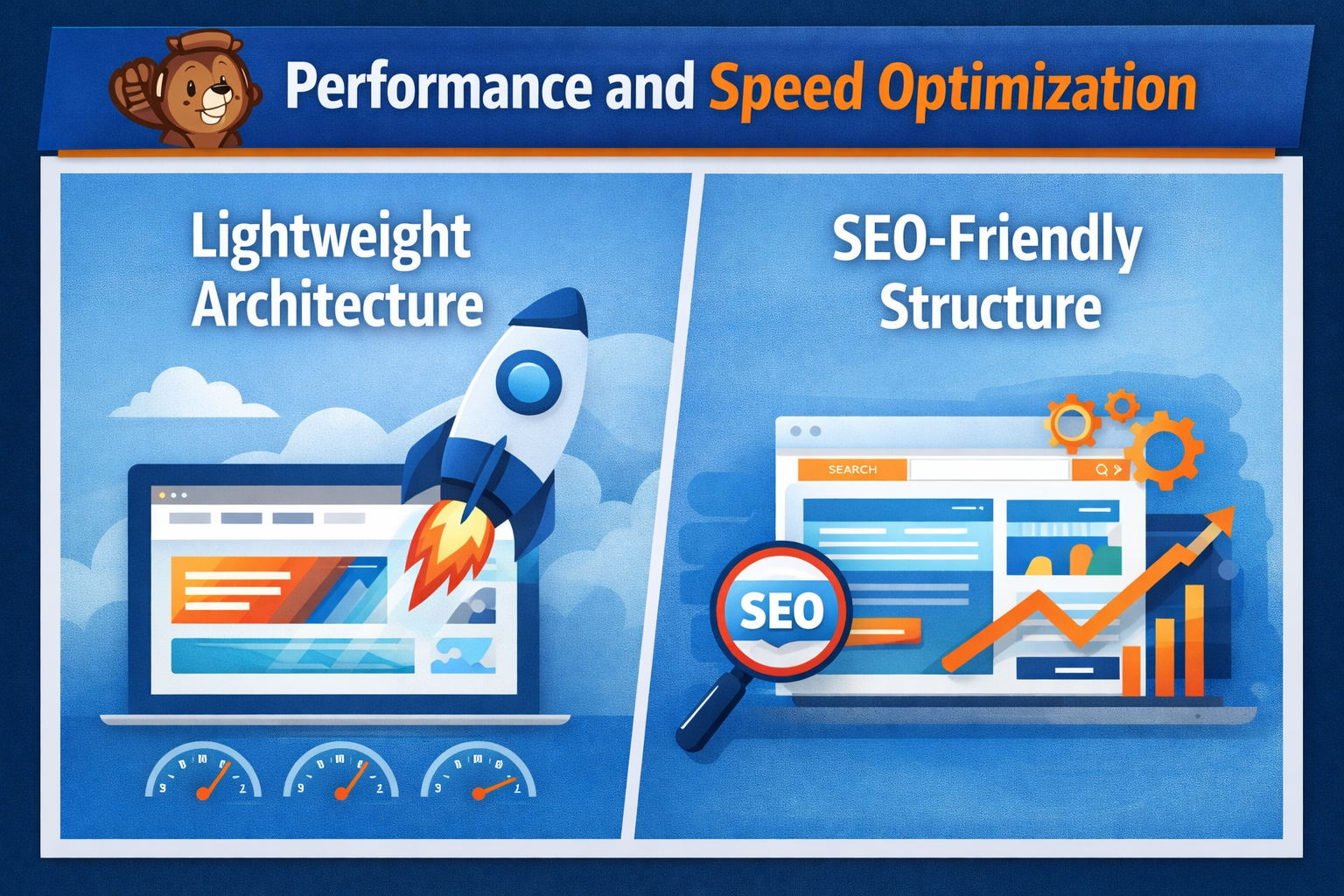
Lightweight Architecture
Unlike bloated builders, Beaver Builder focuses on speed. Clean code equals faster loading times.
SEO-Friendly Structure
Search engines love structured content. Beaver Builder produces SEO-friendly markup, helping your pages rank better.
Fast website + clean structure = better rankings.
Customization and Flexibility
Advanced Modules
From sliders to pricing tables, testimonials to contact forms — Beaver Builder includes flexible modules to build any layout.
Third-Party Integrations
It integrates smoothly with popular tools like WooCommerce, email marketing platforms, and membership plugins.
Beaver Builder vs Other Page Builders
Comparing with Elementor
Elementor offers flashy design features. Beaver Builder offers stability and performance.
If you value simplicity and reliability over complexity, Beaver Builder wins.
Comparing with Divi
Divi is powerful but sometimes overwhelming. Beaver Builder is cleaner and easier to maintain long term.
Think of Divi as a Swiss Army knife.
Think of Beaver Builder as a precision tool.
Real-World Use Cases
Business Websites
Professional layouts help businesses establish credibility instantly.
E-Commerce Stores
Integrated with WooCommerce, you can build beautiful product pages effortlessly.
Blogs and Portfolios
Clean layouts and typography make content shine.
Pricing and Value for Money
Available Plans
Beaver Builder offers multiple pricing tiers based on features and site usage.
Is It Worth the Investment?
If you’re serious about your website, yes. The time saved alone justifies the cost.
Security and Reliability
Regular Updates
Frequent updates ensure compatibility with WordPress core updates.
Compatibility with WordPress Core
Beaver Builder works seamlessly with the latest WordPress versions.
Stability matters — especially when your website is your business.
Tips to Maximize Beaver Builder
Best Practices for Design
- Keep layouts clean.
- Use consistent fonts and colors.
- Avoid overcrowding sections.
Performance Optimization Tips
- Compress images.
- Minimize unnecessary modules.
- Use caching plugins.
Future of Beaver Builder
Trends in Web Design
Minimalism, speed, accessibility — these trends align perfectly with Beaver Builder’s philosophy.
Continuous Improvements
The development team consistently enhances performance and features while maintaining simplicity.
Conclusion
Building a website shouldn’t feel like climbing a mountain. It should feel like assembling something exciting — piece by piece.
Beaver Builder stands out as a reliable, performance-focused, and user-friendly page builder that bridges the gap between beginners and professionals. Whether you’re launching a startup site, scaling an agency, or redesigning your blog, Beaver Builder truly becomes your partner in web design excellence.
Frequently Asked Questions