Digital Art Revolution: Clip Studio Paint Features in Focus explores how Clip Studio Paint is transforming modern digital creativity. The post highlights its powerful drawing tools, natural brush engine, comic and manga features, animation capabilities, and artist-friendly workflow, making it a go-to choice for illustrators, designers, and digital artists worldwide.
Introduction to the Digital Art Revolution
The digital art revolution didn’t happen overnight. It quietly evolved, brushstroke by brushstroke, until artists around the world realized something big had changed. Tablets replaced canvases, styluses replaced pencils, and software became the new studio. At the heart of this transformation stands Clip Studio Paint, a tool that feels less like software and more like an extension of the artist’s hand.
From Traditional Art to Digital Creativity
For decades, artists relied on paper, ink, and paint. While those mediums still hold charm, digital tools unlocked something magical—undo buttons, infinite layers, and instant color changes. Clip Studio Paint bridges the gap beautifully, giving traditional artists a familiar feel while offering the power of digital creation.
Why Software Tools Define Modern Artists
Today, an artist’s style isn’t just about technique—it’s also about tools. Just like oil painters choose brushes carefully, digital artists choose software that matches their workflow. Clip Studio Paint has earned its place by focusing on how artists actually work, not just flashy features.
What Is Clip Studio Paint?
Clip Studio Paint is a professional digital art application designed for illustration, comics, manga, and animation. It’s known for its natural drawing experience, deep customization, and artist-first approach.
A Brief History of Clip Studio Paint
Originally launched as Manga Studio, the software was built specifically for comic creators. Over time, it evolved into Clip Studio Paint, expanding its capabilities to serve illustrators, concept artists, and animators worldwide.
Who Should Use Clip Studio Paint?
Illustrators
If you love sketching, painting, or character design, Clip Studio Paint feels like drawing on real paper—only smarter.
Comic and Manga Artists
This is where Clip Studio Paint truly shines. From panels to tones, it’s built with storytellers in mind.
Animators and Designers
Frame-by-frame animation tools make it a solid choice for short animations and motion sketches.
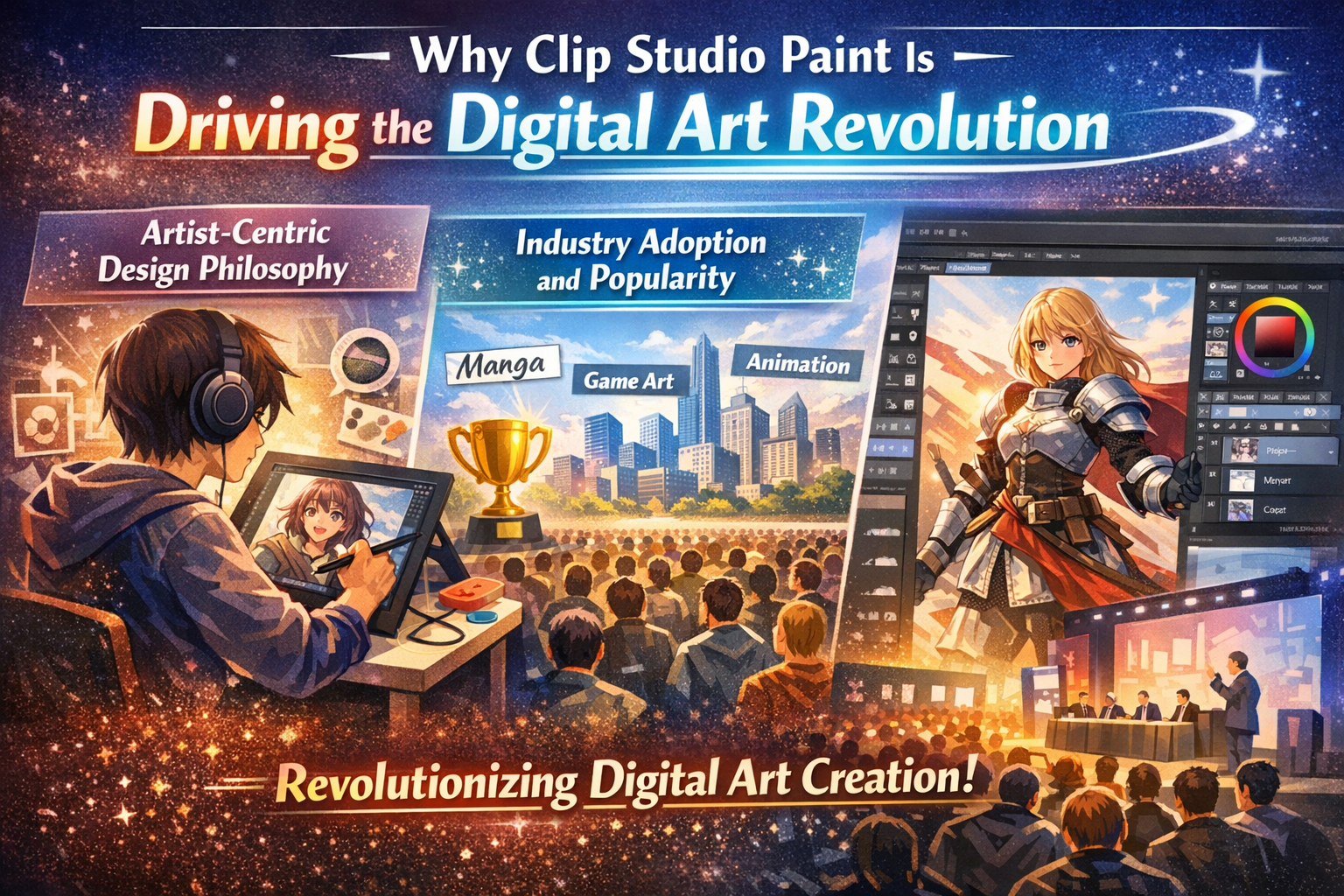
Why Clip Studio Paint Is Driving the Digital Art Revolution
Artist-Centric Design Philosophy
Clip Studio Paint doesn’t try to be everything for everyone. Instead, it focuses deeply on what artists need. Every brush stroke, panel tool, and shortcut feels intentional.
Industry Adoption and Popularity
From indie illustrators to professional manga studios, Clip Studio Paint has become a trusted name. Its growing user base proves that powerful tools don’t need to be complicated.
User Interface and Workspace Customization
Clean and Intuitive Layout
At first glance, the interface feels welcoming. Tools are logically placed, and nothing screams for attention. It’s like walking into a well-organized studio.
Fully Customizable Panels and Shortcuts
Want your brushes on the left and layers on the right? Done. Prefer keyboard shortcuts over menus? Easy. Clip Studio Paint bends to your habits, not the other way around.
Optimized Workflow for Speed and Comfort
Long drawing sessions can be tiring. Clip Studio Paint reduces friction, letting you focus on creativity instead of clicking through menus.
Powerful Brush Engine Explained
Natural Pen and Pencil Feel
This is where Clip Studio Paint wins hearts. The brushes respond to pressure and tilt in a way that feels incredibly real. It’s like your stylus understands you.
Brush Stabilization and Pressure Sensitivity
Wobbly lines? Not anymore. Stabilization smooths strokes without making them feel robotic, perfect for inking and line art.
Custom Brush Creation
Importing Brushes
Thousands of brushes are available from the community. One click, and your toolbox expands.
Modifying Brush Dynamics
Change texture, flow, pressure curves—fine-tune brushes until they feel just right.
Advanced Drawing and Painting Tools
Vector Layers for Precision
Vector layers allow you to adjust lines after drawing them. Resize, tweak, or refine without losing quality.
Raster Layers for Expressive Art
For painters, raster layers offer freedom. Smudges, textures, and expressive strokes feel alive.
Blending, Smudging, and Texturing Tools
Blending colors feels natural, almost like mixing paint on a palette.
Clip Studio Paint for Comics and Manga
Built-In Comic Page Management
Managing pages, spreads, and chapters is effortless. It’s like having a digital editor built into your software.
Panel Creation and Frame Tools
Create panels in seconds. Adjust spacing, borders, and layouts without redrawing everything.
Speech Bubbles and Text Tools
Dialogue flows naturally with customizable balloons and professional typography tools.
Screen Tones and Effects
Traditional Manga Tones
Classic dot tones recreate authentic manga aesthetics.
Digital Tone Customization
Scale, rotate, and modify tones without moiré issues.
3D Models and Reference Tools
Poseable 3D Figures
Need help with anatomy? Pose 3D models instantly and draw over them.
Perspective and Camera Controls
Perfect angles are just a few clicks away, making complex scenes easier to handle.
Using 3D Assets as Drawing References
Think of it as a digital mannequin that never complains.
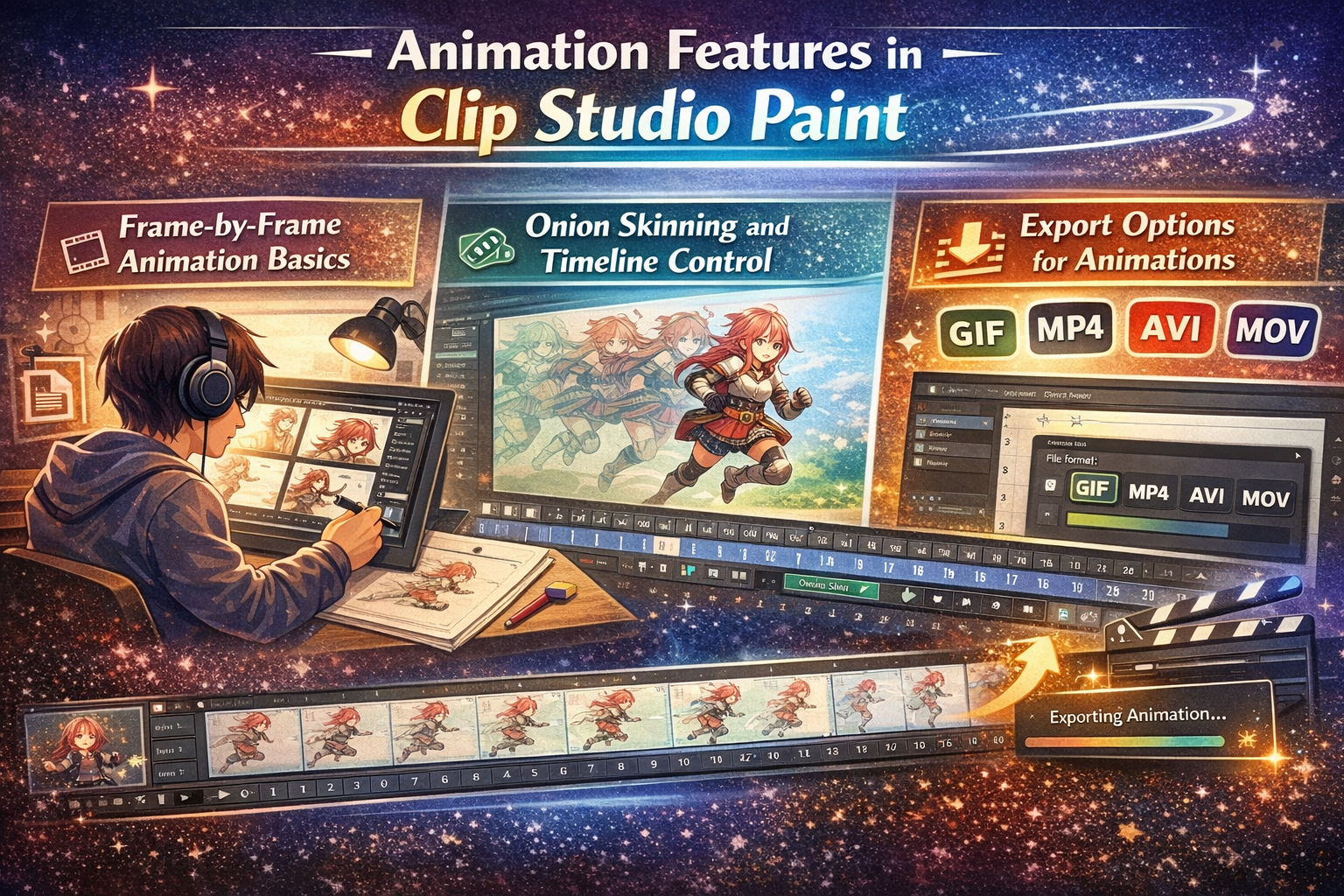
Animation Features in Clip Studio Paint
Frame-by-Frame Animation Basics
Ideal for beginners and professionals alike, the animation tools feel approachable.
Onion Skinning and Timeline Control
See previous and next frames for smooth motion.
Export Options for Animations
Export for web, video, or social media with ease.
Asset Store and Community Support
Clip Studio Assets Marketplace
Thousands of brushes, materials, and templates are available.
Free vs Paid Assets
Many high-quality assets are free, making it budget-friendly.
Community Tutorials and Resources
The community is active, supportive, and endlessly creative.
Performance, Compatibility, and Device Support
Windows, macOS, iPad, and Android Support
Work anywhere, anytime. Your studio travels with you.
Touchscreen and Stylus Optimization
Designed for tablets, it feels fluid and responsive.
Performance on Low-End Systems
Clip Studio Paint Pricing and Licensing
One-Time Purchase vs Subscription
Desktop users enjoy a one-time purchase option, while mobile offers subscriptions.
Value for Students and Professionals
Affordable pricing makes professional tools accessible.
Clip Studio Paint vs Other Digital Art Software
Clip Studio Paint vs Photoshop
Clip Studio Paint vs Procreate
Procreate is intuitive, but Clip Studio Paint offers deeper control and comic tools.
Where Clip Studio Paint Truly Shines
Comics, manga, and line art—that’s its sweet spot.
Tips to Maximize Productivity in Clip Studio Paint
Workspace Presets
Save layouts for different tasks like sketching or inking.
Keyboard Shortcuts and Gestures
Small tweaks save big time.
Time-Saving Features Artists Love
Auto-actions and quick tools keep you in the creative flow.
The Future of Digital Art with Clip Studio Paint
AI-Assisted Features and Smart Tools
Smart coloring and pose assistance hint at an exciting future.
Evolving Needs of Digital Artists
Conclusion
Clip Studio Paint isn’t just software—it’s a creative partner. In the digital art revolution, tools define possibilities, and Clip Studio Paint opens doors wide. Whether you’re sketching your first character or publishing a full comic series, it empowers you to create without limits.
Frequently Asked Questions