Mastering GeneratePress: Optimizing Your Website for Success is a practical guide that shows you how to unlock the full potential of GeneratePress for building a fast, SEO-friendly, and high-performing WordPress website. From installation and customization to performance tuning and advanced optimization strategies, this post walks you through everything you need to create a lightweight, scalable, and conversion-focused site using GeneratePress. Whether you’re a beginner or an experienced user, you’ll learn how to optimize your website for speed, flexibility, and long-term success.
Introduction to GeneratePress
What is GeneratePress?
If you’ve ever built a WordPress site, you know one thing: the theme can make or break your website. That’s where GeneratePress comes in. It’s a lightweight, performance-focused WordPress theme designed to give you full control without slowing your site down.
Think of it like a high-performance engine inside a sleek car. The outside may appear straightforward, but what’s going on underneath? It’s powerful.
Why GeneratePress Is Popular Among WordPress Users
Speed. Flexibility. Stability. These three words define GeneratePress. Bloggers, developers, agencies, and business owners love it because it doesn’t try to do everything at once. Instead, it gives you a clean foundation and lets you build exactly what you need.
No bloat. No unnecessary scripts. Just pure efficiency.
Why Choose GeneratePress for Your Website?
Speed and Performance Advantages
Website speed isn’t optional anymore. It’s critical. Slow websites lose visitors. They lose rankings. They lose money.
GeneratePress is built with performance in mind. Its core theme size is under 30KB. That’s insanely lightweight compared to most WordPress themes that can exceed 1MB.
Faster load times = better user experience = higher conversions.
Lightweight and Clean Code
Ever opened a theme and found thousands of messy lines of code? GeneratePress keeps things clean. Clean code improves:
- Page speed
- Security
- SEO crawling efficiency
Search engines love well-structured code. And that’s exactly what you get here.
SEO-Friendly Structure
GeneratePress follows WordPress coding standards strictly. It uses proper heading structures, schema integration, and accessibility best practices.
In short? It makes Google’s job easier. And when Google is happy, your rankings improve.
Installing and Setting Up GeneratePress
Installing the Free Version
Getting started is simple:
- Go to WordPress Dashboard
- Navigate to Appearance → Themes
- Search for “GeneratePress”
- Install and activate
Done.
Upgrading to GeneratePress Premium
The real magic happens with the premium version. It unlocks modular controls that let you enable only what you need.
That’s smart design.
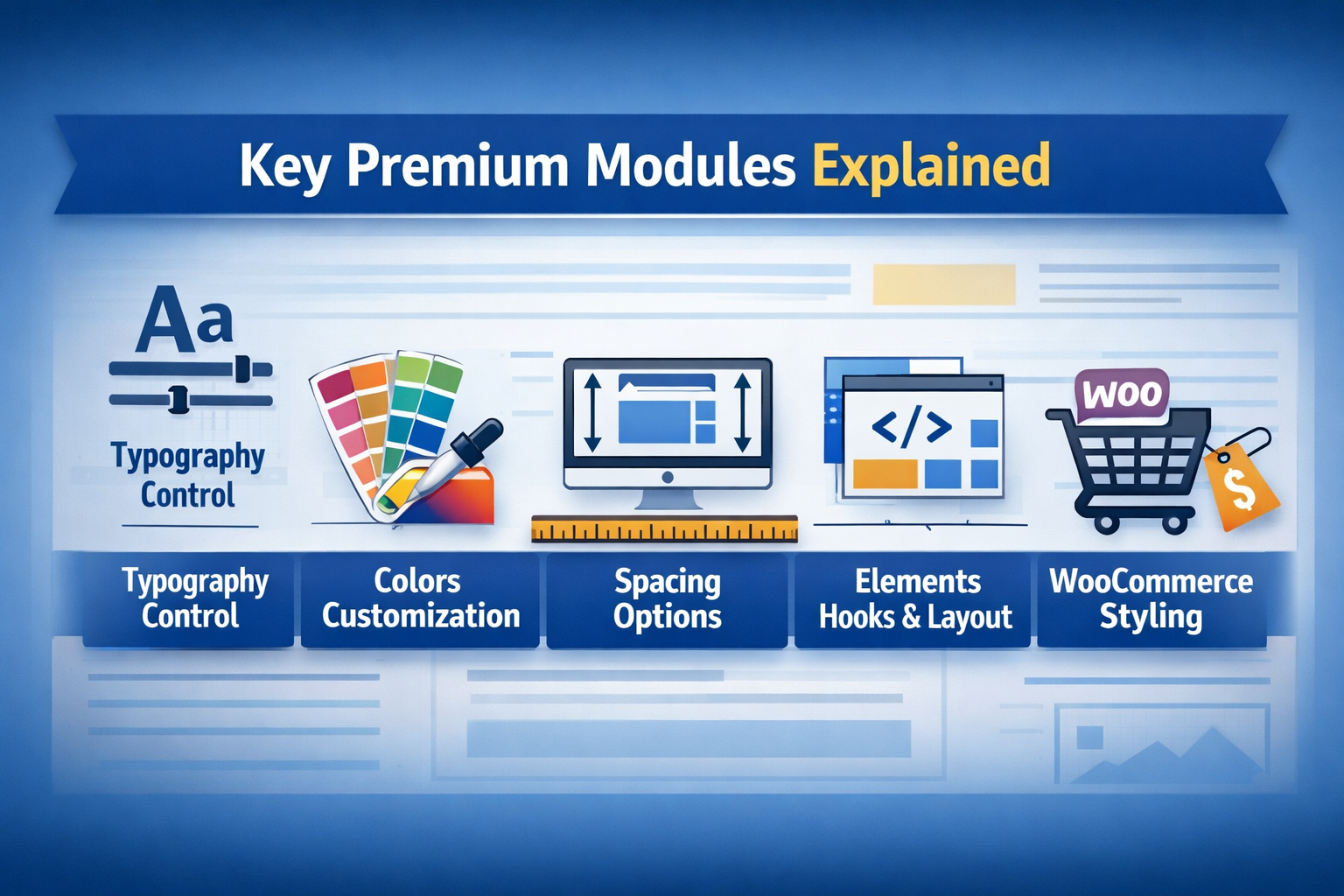
Key Premium Modules Explained
Premium modules include:
- Typography control
- Colors customization
- Spacing options
- Elements (Hooks & Layout)
- WooCommerce styling
You activate modules individually. Think of it like adding apps to your phone—only what you actually use.
Customizing Your Website with GeneratePress
Using the WordPress Customizer
GeneratePress integrates deeply with the WordPress Customizer. As you make adjustments, you may view them in real time.
No guessing. No refreshing 20 times.
Typography and Color Control
Brand identity matters. With GeneratePress, you can control:
- Font family
- Font weight
- Line height
- Button colors
- Link hover effects
Consistency builds trust. And trust builds authority.
Layout Customization Options
You can adjust:
- Container width
- Sidebar layout
- Header alignment
- Footer widgets
Want full-width pages? Easy. Prefer boxed layout? One click.
Optimizing Performance with GeneratePress
Minimizing HTTP Requests
Since GeneratePress loads only activated modules, unnecessary files stay out of the way.
Fewer requests = faster rendering.
Integrating Caching and CDN
Pair GeneratePress with:
- A caching plugin
- A CDN
- Image optimization
Now you’re operating at elite speed levels.
Mobile Optimization
Most traffic today comes from mobile. GeneratePress is fully responsive out of the box.
No extra tweaking required.
SEO Optimization Using GeneratePress
Schema and Structured Data
Structured data helps search engines understand your content. GeneratePress includes schema markup that improves visibility in search results.
Rich snippets? Yes, please.
Optimizing Meta Tags
While themes don’t directly control meta descriptions, GeneratePress works seamlessly with SEO plugins like Rank Math or Yoast.
Clean integration ensures zero conflicts.
Improving Core Web Vitals
Google’s Core Web Vitals measure:
- Loading performance
- Interactivity
- Visual stability
GeneratePress excels in all three because of its lightweight structure.
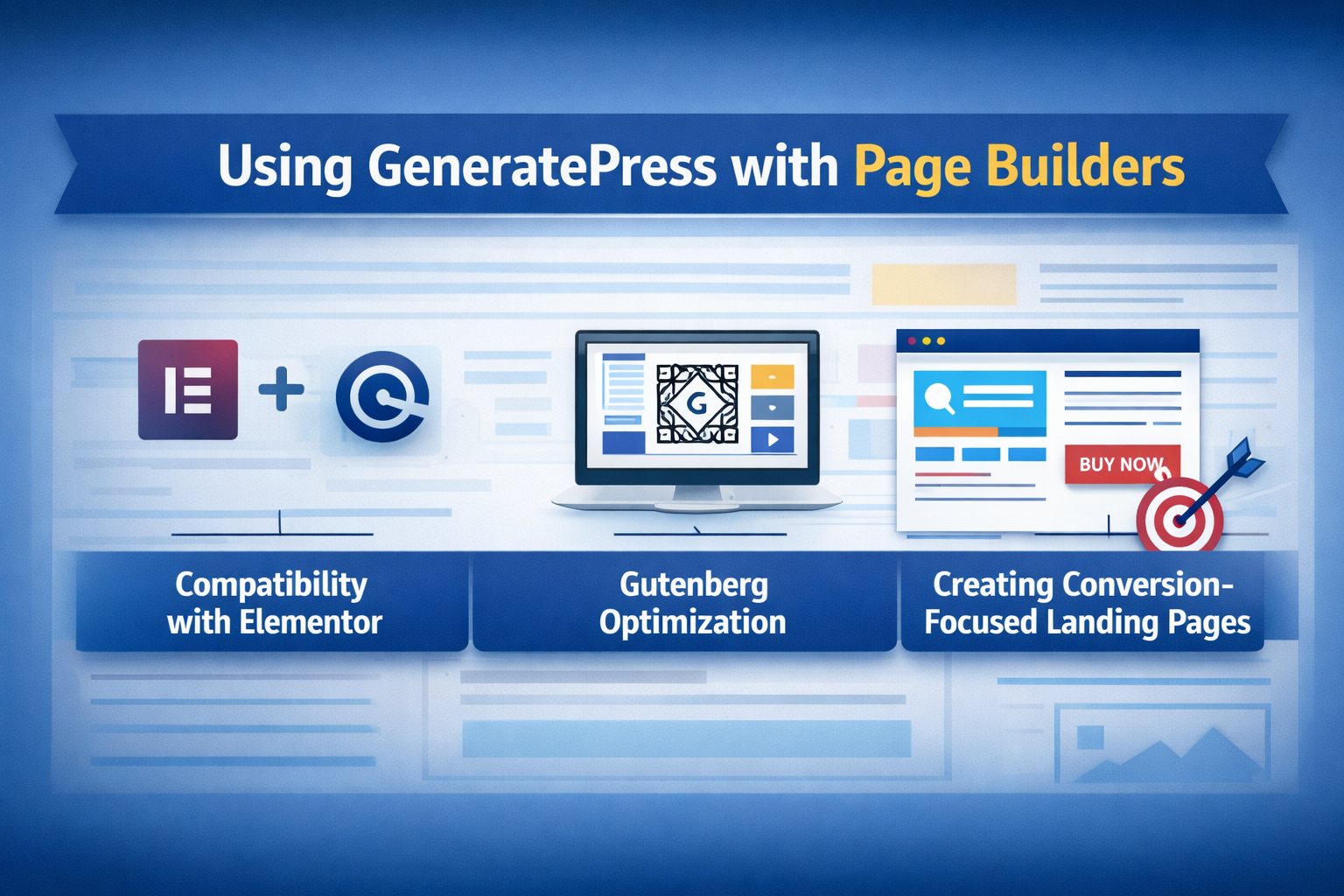
Using GeneratePress with Page Builders
Compatibility with Elementor
Want design flexibility? GeneratePress works perfectly with Elementor.
Disable headers, footers, or sidebars on landing pages for clean builder layouts.
Gutenberg Optimization
If you prefer native WordPress blocks, GeneratePress enhances Gutenberg beautifully.
Less dependency on third-party tools. More stability.
Creating Conversion-Focused Landing Pages
With layout controls and Elements module, you can:
- Add custom CTAs
- Insert dynamic headers
- Create distraction-free pages
Conversion becomes intentional, not accidental.
Advanced Customization Techniques
Using Hooks in GeneratePress
Hooks let you insert custom code anywhere without editing core files.
That means:
- Safe updates
- Clean structure
- Developer-level flexibility
Custom CSS and Code Snippets
Want something unique? Add custom CSS inside the Customizer or use the built-in Elements feature.
No child theme required (in most cases).
Creating Child Themes
For heavy customization, creating a child theme protects your modifications during updates.
Always plan ahead.
E-commerce Optimization with GeneratePress
WooCommerce Integration
GeneratePress offers built-in WooCommerce styling options.
You can customize:
- Product grids
- Checkout layout
- Cart design
Professional store design without heavy templates.
Speed Optimization for Online Stores
E-commerce sites often become bloated. GeneratePress keeps it lean.
Lean sites convert better. Period.
Security and Maintenance
Regular Updates
GeneratePress is actively maintained. Updates improve:
- Security
- Compatibility
- Performance
Never ignore them.
Backup Strategies
Use automated backups. Because even the best setups need safety nets.
Consider backups to be your digital property’s insurance.
Common Mistakes to Avoid
Overloading with Plugins
Even with a lightweight theme, too many plugins slow things down.
Less is more.
Ignoring Performance Testing
Always test using:
- Page speed tools
- Mobile usability checks
- SEO audits
Optimization is ongoing, not one-time.
Real-World Success Stories
Bloggers Using GeneratePress
Many high-traffic blogs use GeneratePress for its speed and clean design.
Fast-loading content keeps readers engaged.
Business Websites Powered by GeneratePress
Corporate sites prefer stability. GeneratePress delivers consistency and professional structure.
It’s not flashy. It’s effective.
Conclusion
Mastering GeneratePress isn’t about installing a theme. It’s about building a foundation that supports growth, speed, and scalability. It gives you control without complexity, power without bulk, and flexibility without chaos.
If your website is your digital home, GeneratePress is the solid foundation beneath it. And when the foundation is strong, everything else becomes easier.
Frequently Asked Questions