Learn how to create powerful, high-converting landing pages with Landingi, one of the most user-friendly and effective landing page builders available today. This guide walks you through essential design principles, optimization tips, and practical features that help you boost conversions and achieve better marketing results using Landingi.
Introduction to Landingi
If you’re trying to create landing pages that actually convert, Landingi is one of the best tools you can use. It combines simplicity with powerful features, making it perfect for marketers, business owners, and anyone who wants results—not just pretty pages. Whether you’re driving traffic through ads, email, or social media, Landingi gives you everything you need to turn clicks into paying customers.
What Makes Landingi Special?
Landingi stands out because it doesn’t require coding, design skills, or expensive developers. Its drag-and-drop system lets you build, customize, and launch high-converting pages in minutes. Plus, it integrates with nearly every marketing tool out there.
Why High-Converting Pages Matter
A landing page isn’t just another webpage—it’s where decisions happen. A strong landing page increases leads, boosts sales, and reduces ad costs by improving conversions. In short: better landing page = better business results.
Getting Started with Landingi
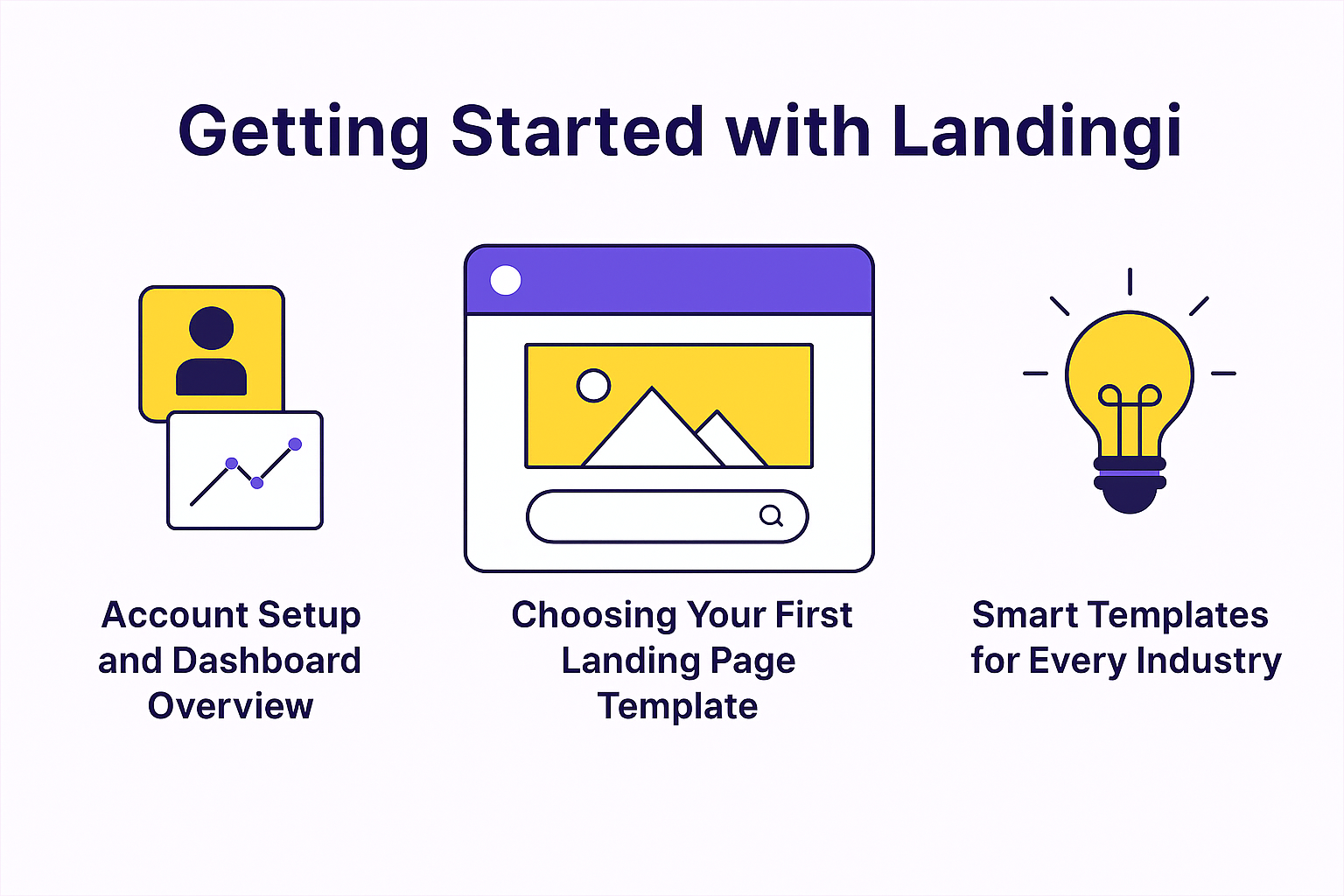
Account Setup and Dashboard Overview
Once you create your account, you’ll enter a clean dashboard where everything is organized: landing pages, leads, funnels, and integrations. Even beginners find it easy to navigate.
Choosing Your First Landing Page Template
Landingi offers 300+ templates, each optimized for conversions.
Smart Templates for Every Industry
Whether you’re promoting:
- SaaS products
- Coaching services
- Webinars
- E-commerce items
- Lead magnets
Landingi has a template tailored for your campaign.
Designing a High-Converting Landing Page
Drag-and-Drop Builder Explained
The drag-and-drop editor is the heart of Landingi. You simply grab elements—text boxes, buttons, images, forms—and place them anywhere. No coding, no complications.
Structuring Your Page for Maximum Conversions
Your structure determines how visitors think, feel, and act.
Above-the-Fold Best Practices
This is the first section people see without scrolling. Make sure it includes:
- A bold headline
- Strong subheading
- Clear CTA
- Engaging visuals
Visual Hierarchy and CTA Placement
Think of your page like a guided journey. Use colors, fonts, and spacing to highlight key sections. Put CTA buttons where decisions naturally happen.
Using Sections, Widgets, and Conversion Tools
Landingi offers:
- Forms
- Timers
- Pop-ups
- Social proof widgets
Use them smartly to boost conversions without overwhelming visitors.
Essential Elements of a High-Converting Page
Compelling Headlines
Your headline should answer one question: What’s in it for the visitor?
Make it clear, bold, and benefit-driven.
Engaging Visuals
Use high-quality images and videos that match your offer. People trust what they can visualize.
Strong, Action-Driven CTAs
Instead of “Submit,” use:
- “Get Started Now”
- “Claim My Offer”
- “Join the Webinar”
Trust Elements (Proof, Testimonials, Badges)
People follow social proof. Include:
- Customer reviews
- Ratings
- Partner logos
- Security badges
Advanced Features in Landingi
A/B Testing for Better Decisions
Not sure which headline or CTA works best? Create multiple versions and let the data speak.
Pop-Ups and Exit Intent Tools
Recover abandoning visitors using:
- Exit pop-ups
- Discount offers
- Lead magnets
Integrations with Email and CRM Tools
Landingi works with:
- HubSpot
- Mailchimp
- ActiveCampaign
- Zapier
This means leads instantly flow into your marketing system.
Conversion Tracking & Analytics
View metrics like:
- Conversion rate
- Traffic sources
- Click behavior
Data helps you make improvements.
Optimizing Your Landing Page for Performance
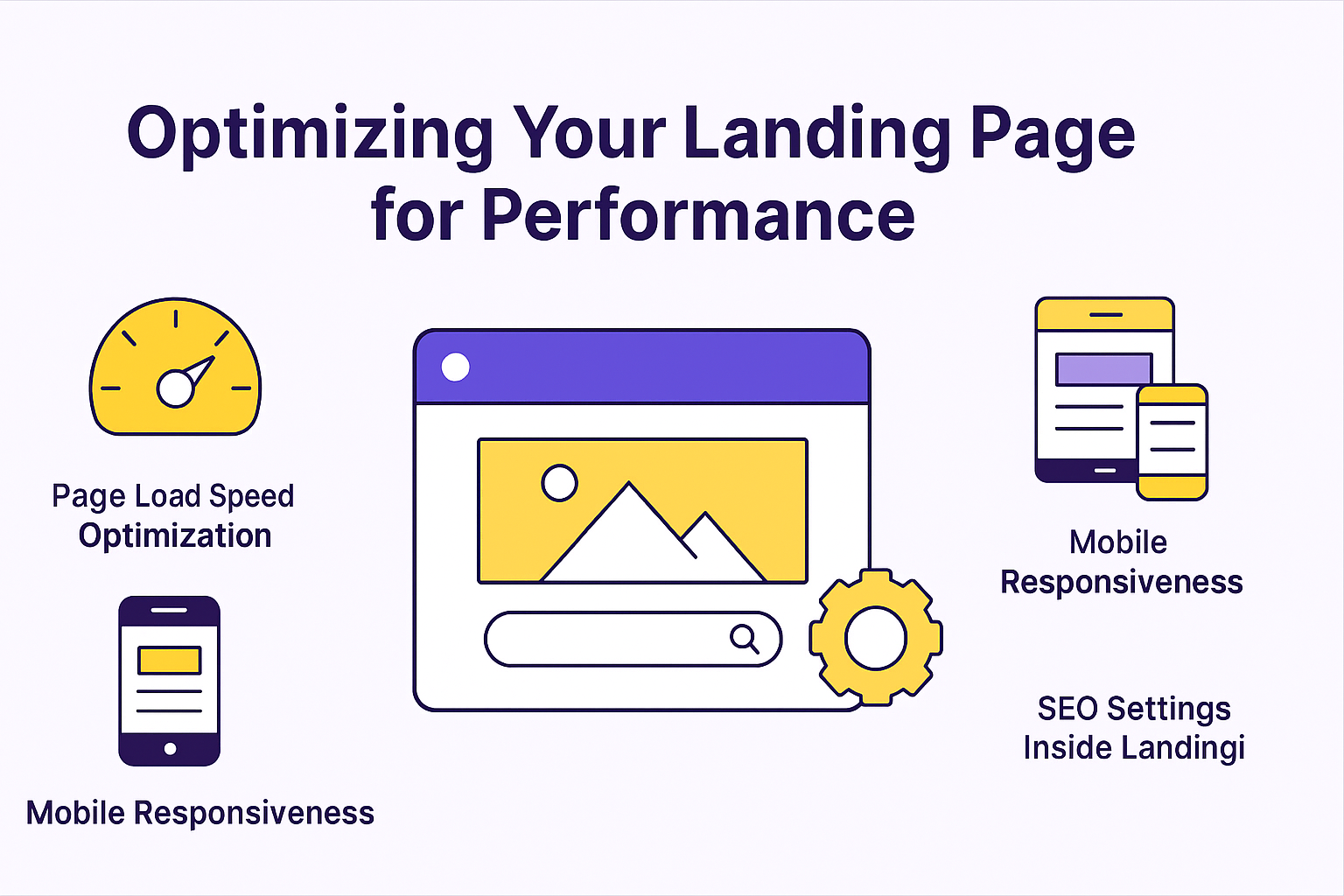
Page Load Speed Optimization
Slow pages kill conversions. Landingi automatically compresses images and optimizes code.
Mobile Responsiveness
Over 60% of traffic comes from mobile. Landingi pages are mobile-friendly and customizable.
SEO Settings Inside Landingi
You can easily update:
- Title tags
- Meta descriptions
- OG tags
Even if SEO isn’t your main goal, these still increase visibility.
Publishing and Launching Your Page
Connecting Custom Domains
Add your custom domain for branding and trust.
Embedding Pages and Using WordPress Plugin
If you use WordPress, Landingi has a plugin for quick embedding.
Running Campaigns with High Conversion Intent
Pair your landing page with:
- Google Ads
- Facebook Ads
- Email campaigns
Consistency across channels increases conversions.
Real-World Tips to Increase Conversions
Keep It Simple
Avoid clutter. Focus on one offer, one message, one CTA.
Use Scarcity & Urgency
Countdown timers and limited-time offers boost action.
Personalize Your Landing Page
Small tweaks like using dynamic text replacement can significantly increase conversions.
Common Mistakes to Avoid
Too Much Text
Visitors don’t want essays—keep your message clear.
Poor CTA Placement
If your CTA is hidden or unclear, your conversions will drop.
Ignoring Analytics and Testing
Your first version won’t be perfect. Keep testing.
Conclusion
Landingi is one of the simplest yet most powerful tools for building high-converting landing pages. With its drag-and-drop editor, conversion-focused templates, A/B testing tools, and integrations, anyone can build pages that generate leads and sales. Whether you’re running ads, launching a product, or building a funnel, Landingi helps you create pages that deliver real results—fast.
Frequently Asked Questions