Navigate Visitor Tracking Success: Leadfeeder Review and Recommendations is a detailed guide that explores how Leadfeeder helps businesses identify anonymous website visitors and turn them into high-quality B2B leads. The post breaks down Leadfeeder’s core features, benefits, pricing, and real-world use cases, making it easier for sales and marketing teams to decide if it’s the right visitor tracking tool for their growth strategy.
Introduction to Visitor Tracking in Modern B2B Marketing
Ever wondered who’s visiting your website but leaving without filling out a form? It’s like hosting a party, seeing people walk in, glance around, and quietly walk out without saying a word. Frustrating, right? That’s exactly the problem visitor tracking tools aim to solve—and Leadfeeder is one of the most popular names in this space.
In today’s B2B world, anonymous traffic is wasted potential. Businesses need clarity, context, and actionable insights. That’s where Leadfeeder steps in.
What Is Leadfeeder? A Quick Overview
Leadfeeder is a B2B lead generation and website visitor tracking tool that identifies companies visiting your website, even if they don’t fill out a form. Instead of staring at anonymous numbers in Google Analytics, Leadfeeder puts real company names behind those visits.
Think of it as turning your website into a digital salesperson—one that quietly takes notes and passes hot leads to your sales team.
Why Website Visitor Identification Matters
Not all traffic is equal. Knowing who visits your site helps you:
- Prioritize high-intent companies
- Personalize sales outreach
- Improve marketing ROI
- Shorten the sales cycle
Without visitor identification, you’re basically marketing blindfolded.
How Leadfeeder Works Behind the Scenes
Website Visitor Identification Explained
Leadfeeder tracks visitor IP addresses and matches them against a massive database of company IPs. When a match is found, you get detailed insights about that company.
IP Tracking and Company Recognition
No cookies, no guesswork. Leadfeeder relies on IP intelligence to identify businesses. While it won’t reveal individual names, it gives you valuable company-level data—industry, size, location, and more.
Integration with Google Analytics
Leadfeeder works seamlessly with Google Analytics. It enriches your existing data rather than replacing it, making setup quick and painless.
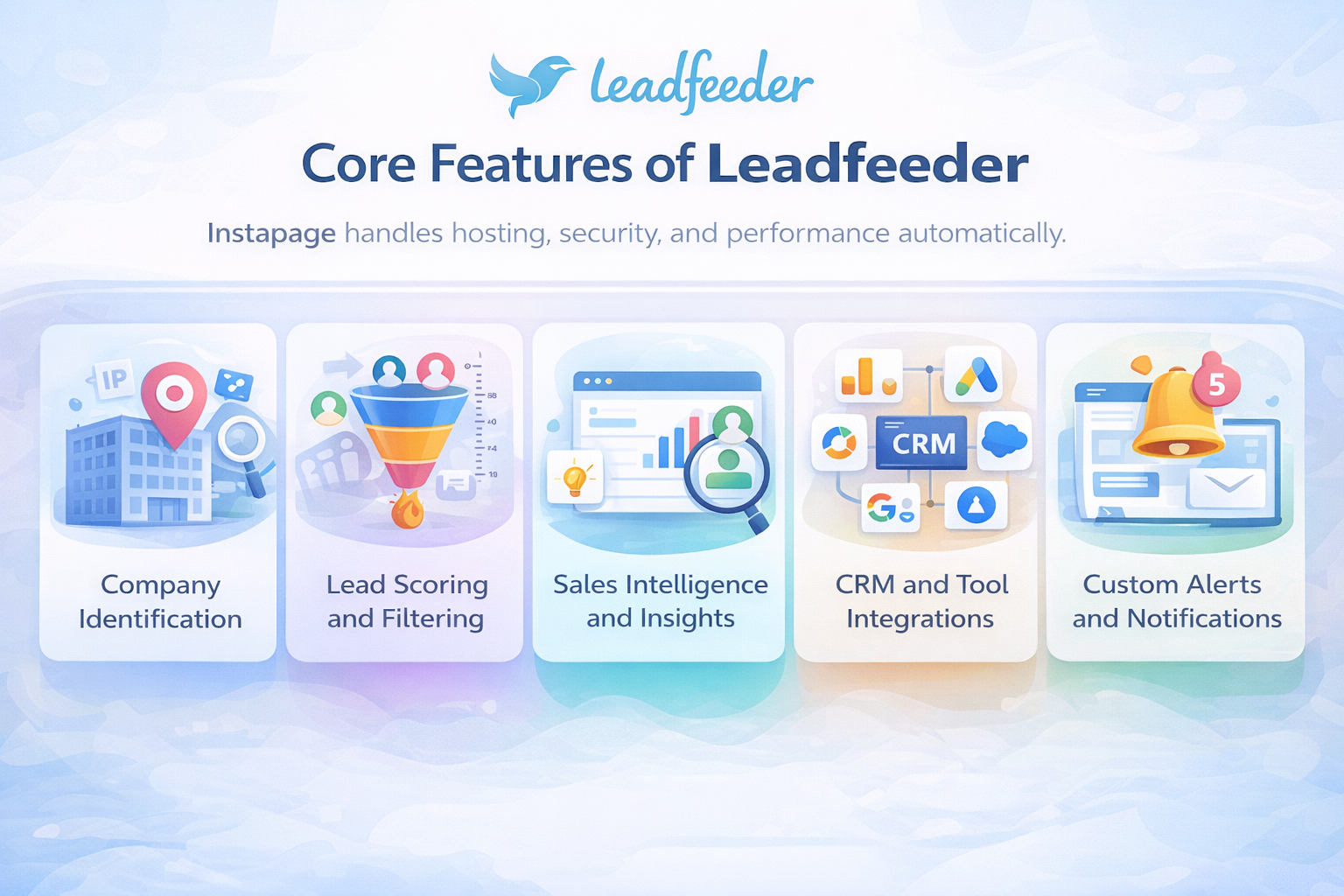
Core Features of Leadfeeder
Company Identification
This is Leadfeeder’s star feature. You can see:
- Company name
- Website
- Industry
- Employee size
- Country
It’s like LinkedIn met your website analytics.
Lead Scoring and Filtering
Not all companies deserve equal attention. Leadfeeder lets you filter by:
- Location
- Industry
- Visit duration
- Pages viewed
You can focus only on leads that actually matter.
Sales Intelligence and Insights
Leadfeeder shows:
- Pages visited
- Time spent
- Return visits
This helps sales teams craft highly personalized outreach. No more cold emails—only warm conversations.
CRM and Tool Integrations
Leadfeeder integrates with popular tools like:
- HubSpot
- Salesforce
- Pipedrive
- Slack
This ensures smooth handoff between marketing and sales.
Custom Alerts and Notifications
Want to know when a target company visits your pricing page? Leadfeeder can alert you instantly. Timing is everything in sales, and this feature nails it.
Leadfeeder Dashboard and User Experience
Ease of Setup
Setup takes minutes. Connect Google Analytics, add tracking, and you’re good to go. No technical headaches.
Navigation and Usability
The dashboard is clean, intuitive, and beginner-friendly. Even non-technical users can start using it immediately.
Data Accuracy and Reliability
While no tool is perfect, Leadfeeder’s data accuracy is impressive, especially for mid-to-large companies.
Leadfeeder for Sales Teams
Turning Anonymous Traffic into Sales Leads
Leadfeeder transforms silent visitors into actionable leads. Sales teams can reach out while interest is still fresh.
Account-Based Marketing (ABM) Support
If you’re running ABM campaigns, Leadfeeder is gold. You can track target accounts and align outreach perfectly.
Sales Workflow Optimization
With CRM integrations and lead scoring, sales teams spend less time researching and more time closing deals.
Leadfeeder for Marketing Teams
Campaign Performance Tracking
See which campaigns attract the right companies—not just more traffic.
Content and Page-Level Insights
Know which blog posts, landing pages, or case studies attract high-value leads.
Better Lead Qualification
Marketing can pass only qualified leads to sales, reducing friction and improving conversions.
Leadfeeder Pricing and Plans
Free vs Paid Plans
- Free Plan: Limited leads, basic features
- Paid Plans: Advanced filtering, integrations, historical data
Is Leadfeeder Worth the Cost?
For B2B businesses, absolutely. One converted deal can easily cover months of subscription fees.
Pros and Cons of Leadfeeder
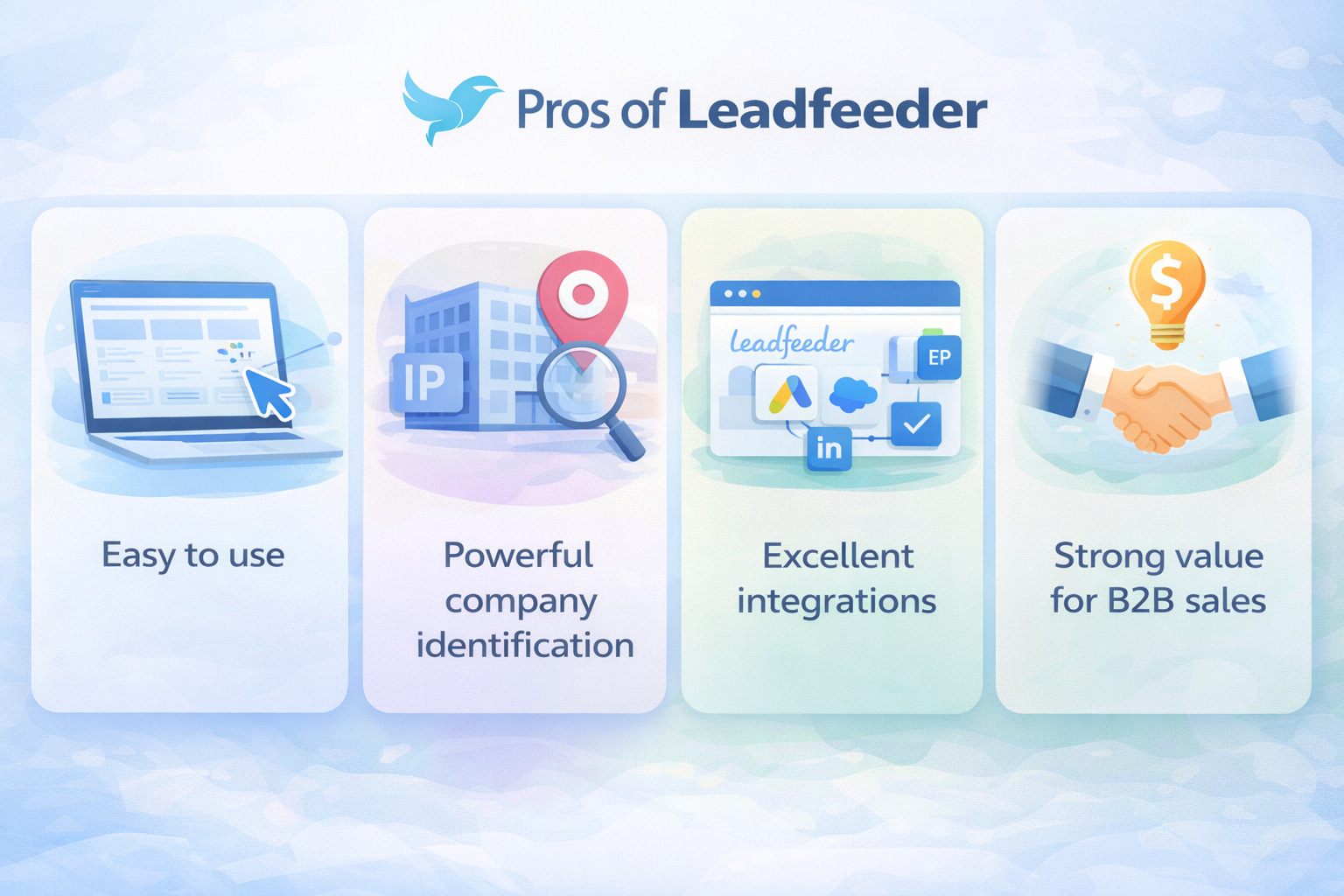
Key Advantages
- Easy to use
- Powerful company identification
- Excellent integrations
- Strong value for B2B sales
Potential Limitations
- Doesn’t identify individual visitors
- Best suited for B2B, not B2C
- Smaller companies may be harder to identify
Leadfeeder vs Competitors
Leadfeeder vs Albacross
Leadfeeder offers a cleaner UI and better Google Analytics integration.
Leadfeeder vs Clearbit
Clearbit excels in enrichment, but Leadfeeder is stronger for visitor tracking.
Leadfeeder vs Lead Forensics
Leadfeeder is more affordable and easier to use for SMBs.
Best Use Cases for Leadfeeder
B2B Companies
Perfect for businesses with longer sales cycles and higher deal values.
SaaS Businesses
Ideal for tracking trial interest and pricing page visits.
Agencies and Consultants
Great for identifying potential clients visiting service pages.
Tips to Maximize Success with Leadfeeder
Optimizing Filters
Use filters to eliminate noise and focus on high-intent companies.
Aligning Sales and Marketing
Make Leadfeeder a shared tool. Collaboration boosts results.
Using Integrations Effectively
Automate workflows with CRM and Slack integrations for faster response times.
Conclusion
Leadfeeder takes the mystery out of website traffic. Instead of guessing who’s interested, you get clear, actionable insights that drive smarter decisions. Whether you’re in sales, marketing, or growth, Leadfeeder helps you work smarter—not harder. In a world where attention is currency, Leadfeeder ensures none of it goes to waste.
Frequently Asked Questions