Discover how to build a stunning website with Pagecloud in this complete step-by-step tutorial. Learn how to design, customize, optimize for SEO, and publish your site using Pagecloud’s powerful drag-and-drop editor—perfect for beginners, designers, and small business owners looking for total creative freedom.
Introduction
Building a website shouldn’t feel like solving a puzzle with missing pieces. Yet, that’s exactly how many website builders feel—restrictive grids, locked layouts, and “you-can’t-do-that” moments everywhere. That’s where Pagecloud flips the script.
This guide is your complete, no-fluff, step-by-step walkthrough of Pagecloud. Whether you’re a designer, business owner, freelancer, or just someone tired of fighting with rigid builders, you’re in the right place.
What Is Pagecloud and Why It’s Different
Pagecloud is a visual website builder that gives you true design freedom. Think of it like designing a website the same way you’d design a poster in Photoshop or Canva—but it actually becomes a real, live website.
No forced grids. No locked sections. No compromises.
You drag, resize, overlap, and position elements exactly where you want them. Your visitors receive exactly what you see.
Who Should Use Pagecloud
Pagecloud isn’t for everyone—and that’s a good thing.
It’s perfect for:
- Designers who hate rigid templates
- Creative professionals and agencies
- Small business owners who want visual control
- Freelancers building portfolio sites
- Anyone who values design over pre-built structure
If you want WordPress-level complexity, Pagecloud might feel too simple. But if you want freedom without coding headaches, it’s a dream.
Pagecloud Features at a Glance
- True drag-and-drop editor
- Pixel-perfect design control
- Mobile-responsive editing
- Built-in SEO tools
- Ecommerce support
- Custom code embedding
- Fast hosting included
Simple on the surface, powerful underneath.
Pagecloud vs Traditional Website Builders
Most builders work like LEGO blocks—you can only stack pieces where the system allows. Pagecloud works like a blank canvas.
Traditional builders:
- Lock layouts into rows and columns
- Restrict spacing and positioning
- Force design compromises
Pagecloud:
- Lets elements overlap
- Allows free placement anywhere
- Gives total creative freedom
If creativity matters to you, the difference is night and day.
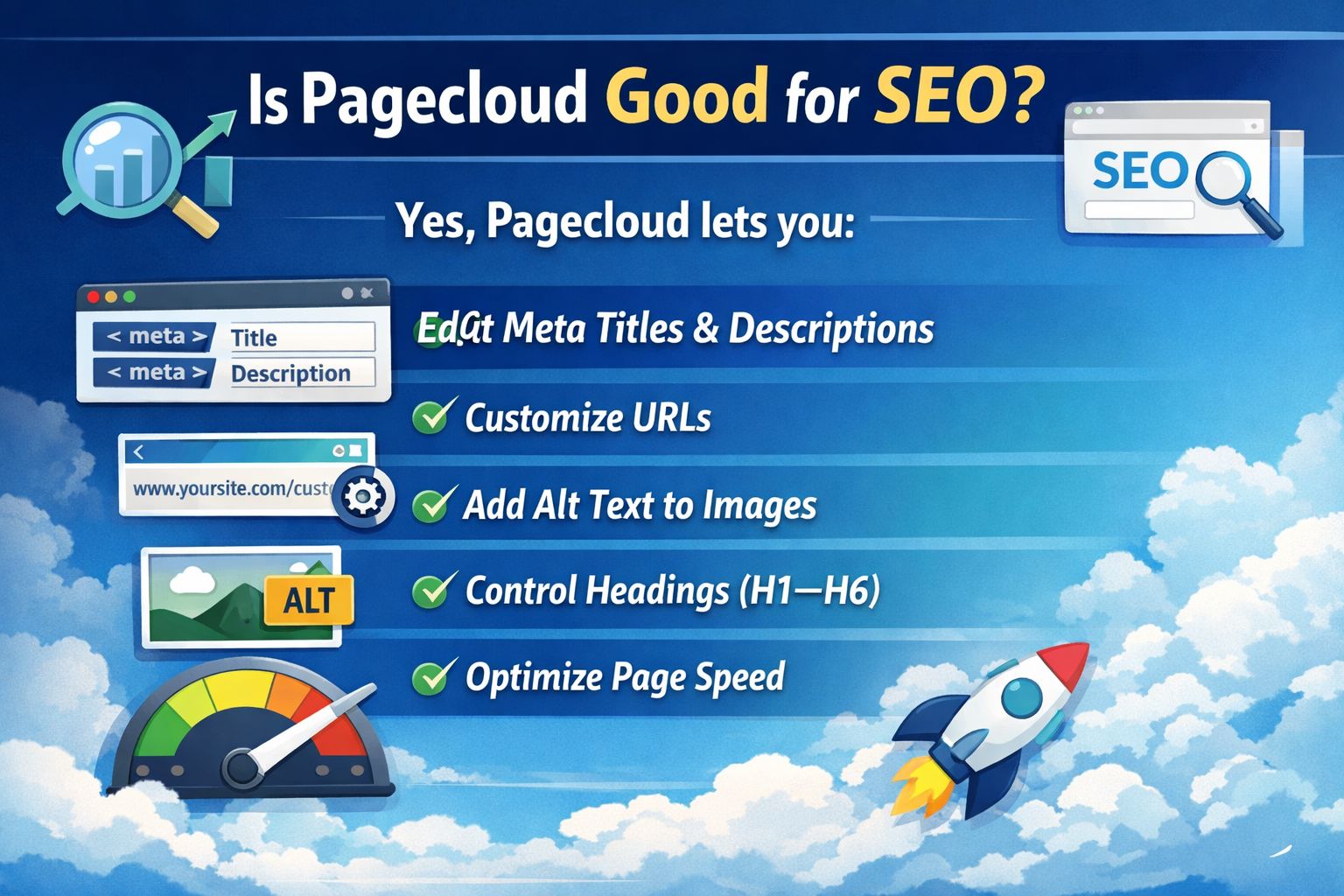
Is Pagecloud Good for SEO?
Yes—if you use it correctly.
Pagecloud lets you:
- Edit meta titles and descriptions
- Customize URLs
- Add alt text to images
- Control headings (H1–H6)
- Optimize page speed
It won’t “do SEO for you,” but it gives you all the tools you need to rank.
Pagecloud Pricing Overview
Pagecloud offers straightforward pricing:
- A single-site plan for individuals
- Advanced plans for ecommerce and teams
No hidden upsells. Hosting is included, which saves money long-term.
Getting Started With Pagecloud
Creating a Pagecloud Account
Sign up with your email, choose a plan, and you’re in. No long onboarding maze.
Pagecloud Dashboard Overview
Your dashboard is clean and minimal:
- Pages
- Design editor
- Site settings
- SEO settings
- Integrations
Everything is just how you would have expected.
Choosing a Template or Starting From Scratch
You can:
- Pick a professionally designed template
- Or start with a blank canvas
Templates are great for speed. Blank pages are great for creative control.
Understanding the Pagecloud Editor
Drag-and-Drop Freedom
You can:
- Drag elements anywhere
- Resize freely
- Overlap text and images
- Stack elements visually
No snapping unless you want it.
Design Like Photoshop (Without the Headache)
If you’ve ever used design tools, Pagecloud feels familiar:
- Layers
- Alignment guides
- Grouping
- Visual spacing
But without the steep learning curve.
Responsive Design and Mobile Editing
Switch between:
- Desktop view
- Tablet view
- Mobile view
You can customize each view independently, which is huge for user experience.
Building Your First Page in Pagecloud
Adding Sections and Layouts
You can design in:
- Sections for structure
- Or completely freeform layouts
Sections help with organization, but they don’t limit creativity.
Working With Text, Images, and Buttons
Add elements with one click:
- Text boxes
- Images
- Buttons
- Videos
Edit everything inline. No side-panel confusion.
Using Layers, Alignment, and Spacing
Layers let you:
- Move elements forward or backward
- Lock elements in place
- Group items
Perfect for complex designs.
Advanced Design Customization
Custom Fonts and Brand Styling
Upload custom fonts or use web-safe ones. Define:
- Brand colors
- Font styles
- Button designs
Consistency becomes effortless.
Animations and Visual Effects
Add subtle animations like:
- Fade-ins
- Hover effects
- Transitions
Enough to look modern, not gimmicky.
Embedding HTML, CSS, and JavaScript
Need custom functionality?
- Embed code blocks
- Add tracking scripts
- Integrate third-party widgets
Pagecloud doesn’t get in your way.
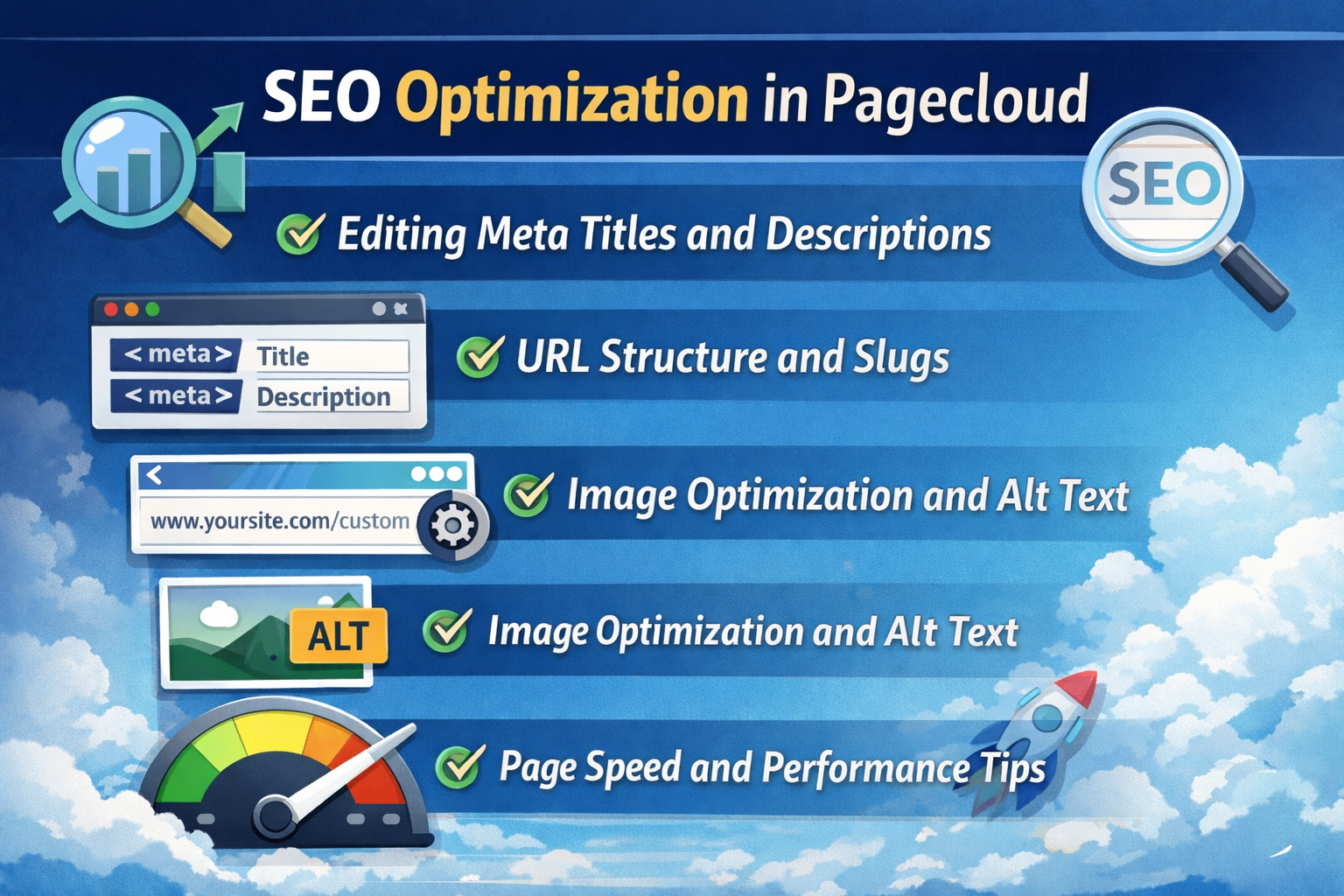
SEO Optimization in Pagecloud
Editing Meta Titles and Descriptions
Each page has dedicated SEO fields. No plugins required.
URL Structure and Slugs
Both consumers and search engines benefit from clear, readable URLs.
Image Optimization and Alt Text
Add alt text for accessibility and image SEO. Compress images for faster loading.
Page Speed and Performance Tips
- Avoid oversized images
- Limit heavy animations
- Keep code embeds clean
Pagecloud hosting is fast by default.
Ecommerce With Pagecloud
Setting Up Products
Add products with:
- Images
- Prices
- Variations
- Descriptions
Simple and clean.
Payments and Checkout
Accept payments via trusted gateways. Checkout is smooth and mobile-friendly.
Managing Orders and Inventory
Track orders, manage inventory, and handle fulfillment without external tools.
Publishing and Managing Your Website
Connecting a Custom Domain
Connect your domain in minutes. Pagecloud handles SSL automatically.
Publishing Your Site
Updating Content Without Downtime
Edit live pages and publish changes instantly—no site breakage.
Integrations and Third-Party Tools
Analytics and Tracking
Connect analytics tools to track traffic and performance.
Forms, Email, and Marketing Tools
Embed forms, email tools, and CRM integrations easily.
Embedding External Services
Calendars, chat widgets, maps—if it has embed code, it works.
Common Pagecloud Mistakes to Avoid
- Ignoring mobile design
- Overusing animations
- Skipping SEO fields
- Uploading unoptimized images
Avoid these, and your site will shine.
Pros and Cons of Using Pagecloud
Pros
- Total design freedom
- Beginner-friendly
- No plugins needed
- Clean interface
Cons
- Less structure for non-designers
- Smaller app ecosystem than WordPress
Pagecloud Tips for Beginners
- Start with a template if you’re new
- Use guides and alignment tools
- Design mobile-first
- Keep pages lightweight
Practice makes it feel effortless.
Conclusion
Pagecloud is like handing you the keys to a fully equipped design studio without the intimidation. It removes restrictions, respects creativity, and keeps things refreshingly simple.
If you’ve ever felt boxed in by traditional website builders, Pagecloud might be exactly what you’ve been looking for.
Frequently Asked Questions