This blog post compares Pipedrive with other leading CRM platforms to reveal which one delivers the best results for sales teams and growing businesses. It explores key features, usability, pricing, strengths, and performance insights to help readers decide whether Pipedrive is the ideal CRM for their needs.
Introduction to CRM Platforms
Why CRM Tools Matter for Modern Businesses
Every business wants more conversions, more customers, and more revenue. That’s exactly where CRM tools step in. They help organize leads, track deals, automate tasks, and improve communication. Without a CRM, managing sales can feel like juggling with one hand tied.
The Rise of Sales-Focused CRMs
Not all CRMs are created equal. Some are built for marketing, some for support, and some—like Pipedrive—are laser-focused on sales efficiency. Understanding this difference is essential when choosing the right CRM.
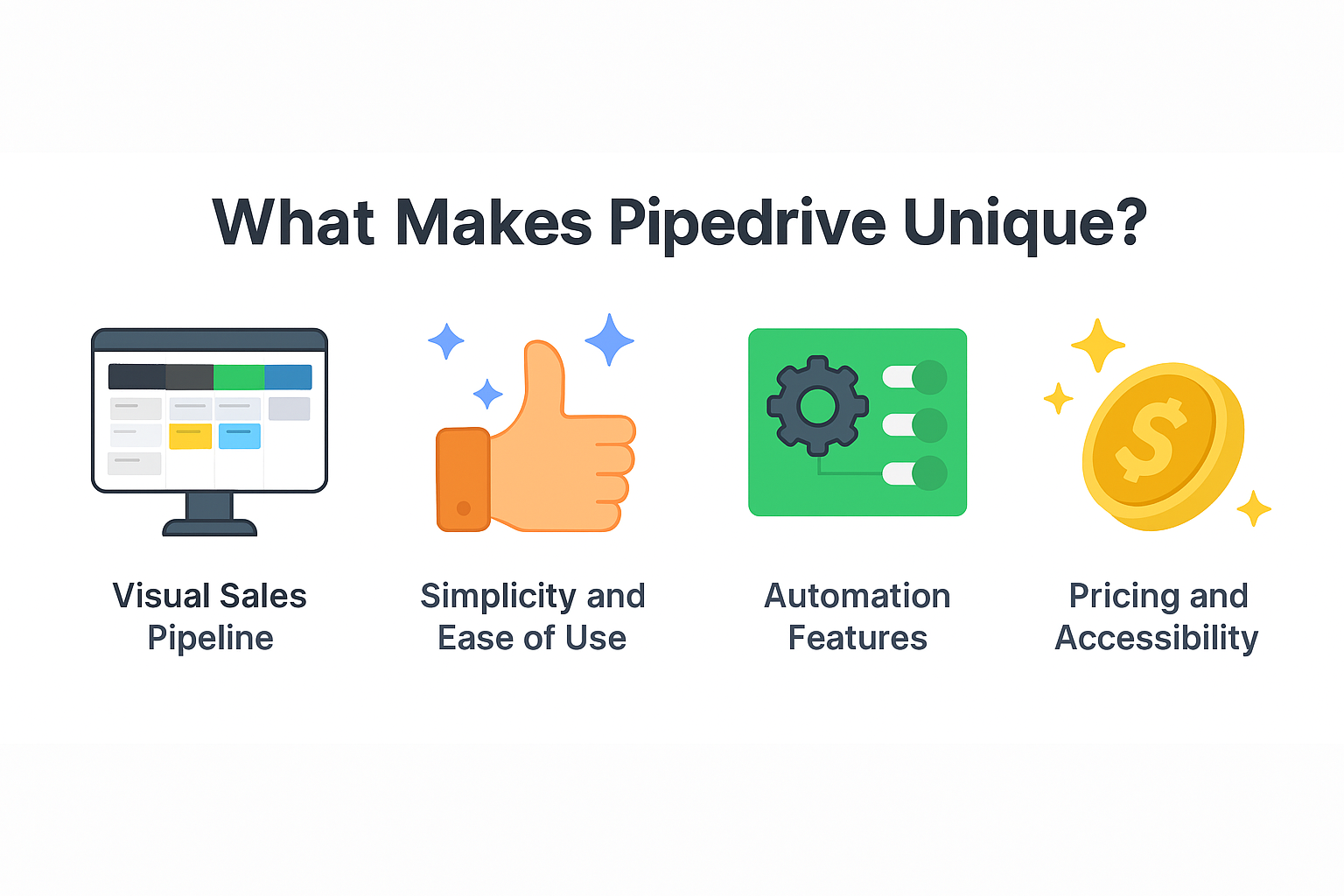
What Makes Pipedrive Unique?
Visual Sales Pipeline
Pipedrive’s drag-and-drop pipeline is one of the most intuitive in the CRM world. It transforms complex processes into simple workflow stages.
Simplicity and Ease of Use
Unlike heavy CRMs that require weeks of onboarding, Pipedrive is plug-and-play. Even beginners can handle it confidently within a day.
Automation Features
From follow-up emails to pipeline updates, Pipedrive automates repetitive tasks so you can focus on actually selling.
Pricing and Accessibility
Pipedrive offers budget-friendly plans starting at low monthly fees—making it ideal for SMBs and solopreneurs.
Comparing Pipedrive with Popular CRMs
Pipedrive vs HubSpot
Ease of Use
HubSpot offers many features but can feel overwhelming. Pipedrive is clean, simple, and built for speed.
Features
HubSpot has stronger marketing automation. Pipedrive triumphs in pipeline management and sales tracking.
Pricing
HubSpot’s advanced features are expensive. Pipedrive keeps costs reasonable.
Pipedrive vs Salesforce
Scalability
Salesforce is a powerhouse for large companies, but its complexity is overkill for many SMEs.
Customization
Salesforce allows deep customization, while Pipedrive keeps things straightforward.
Cost
Salesforce is one of the priciest CRMs; Pipedrive is one of the most affordable.
Pipedrive vs Zoho CRM
Workflow Automations
Zoho offers advanced automations but requires technical understanding. Pipedrive’s automations are user-friendly.
Interface
Zoho’s interface can feel crowded. Pipedrive keeps things visually clean.
Integrations
Zoho integrates with its own ecosystem; Pipedrive integrates with hundreds of third-party apps.
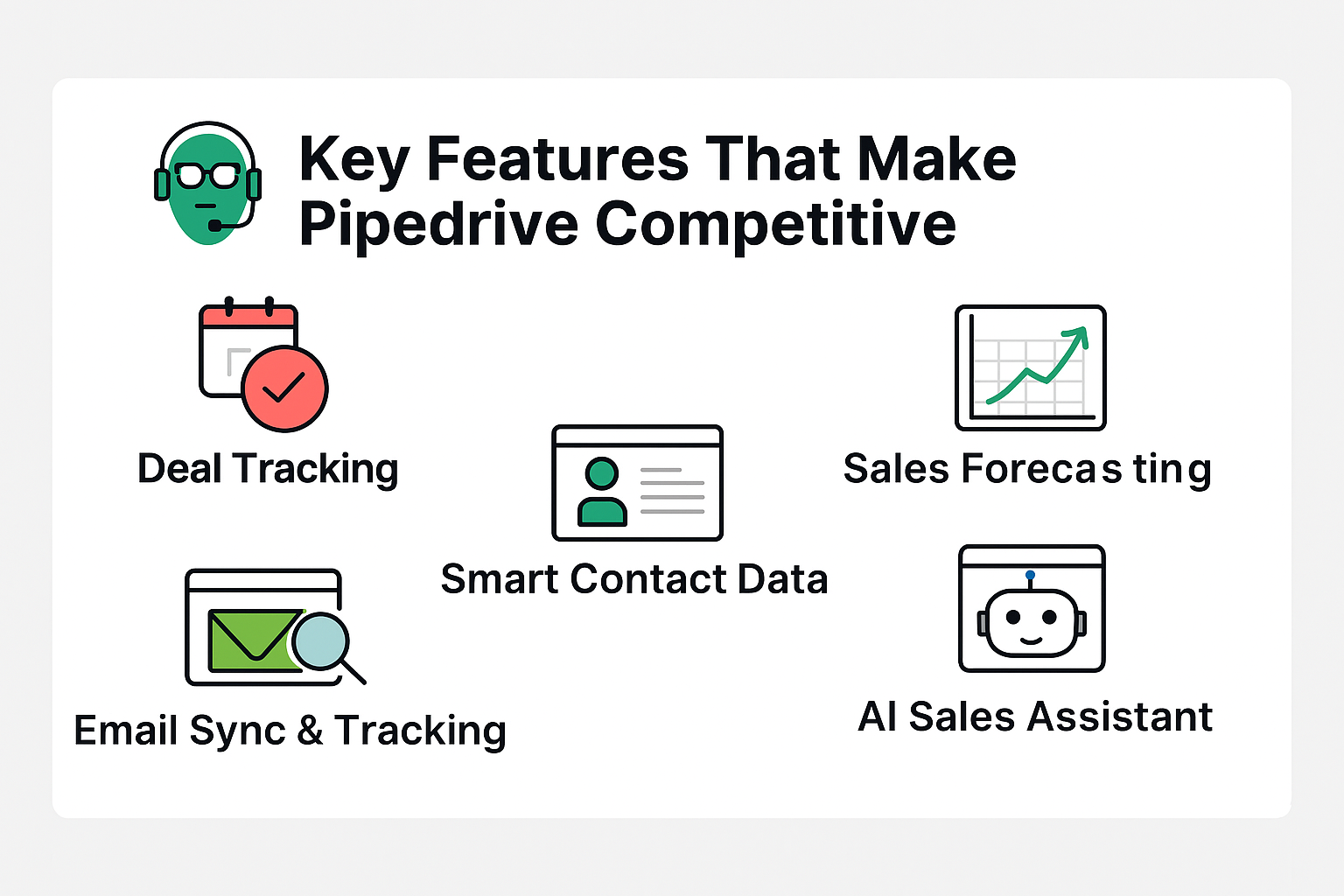
Key Features That Make Pipedrive Competitive
Deal Tracking
Move deals through your pipeline with a simple drag.
Sales Forecasting
Get clear projections based on pipeline data.
Smart Contact Data
Automatically gathers insights from the web.
Email Sync & Tracking
See who opened your message and when.
AI Sales Assistant
Provides suggestions to improve your close rates.
Strengths of Pipedrive
Designed for Sales Teams
If your team spends most of its time selling, Pipedrive gives them an edge.
Fast Setup and No Learning Curve
Start using it in minutes—not days.
Affordable for Startups and SMEs
Perfect for teams with tight budgets.
Weaknesses of Pipedrive
Limited Marketing Tools
It’s mainly a sales tool, not an all-in-one suite.
Fewer Enterprise-Level Features
Lacks heavy customization options needed by large corporations.
Basic Customer Support on Lower Plans
Premium support requires higher plans.
Which Type of Business Should Choose Pipedrive?
Ideal for Small and Medium Businesses
It’s built for teams who want speed and simplicity.
Great for Sales-Driven Companies
If sales pipelines are your focus, Pipedrive shines.
Not Perfect for Large Enterprises
Bigger companies may need more complex workflows.
Real-World Performance Comparison
Conversion Rate Improvements
Teams report 10–20% increase in conversions after switching to Pipedrive.
Sales Cycle Optimization
Pipedrive shortens the sales cycle with fewer manual tasks.
User Satisfaction Levels
Users love its simplicity and visual approach.
Conclusion
Choosing the right CRM depends on your business size, goals, and workflow style. Pipedrive stands out as a powerful, easy-to-use tool that focuses on what truly matters—closing more deals. If you’re a small or mid-sized business with a strong sales focus, Pipedrive may very well be the best CRM choice for you.
Frequently Asked Questions