This in-depth guide explores how Process Street helps growing businesses automate workflows, streamline operations, and boost productivity through powerful features like dynamic checklists, approvals, conditional logic, and integrations. Learn why Process Street is the ultimate automation tool for teams in 2026 and how it simplifies everyday business processes.
Introduction
If your business is expanding, maintaining efficiency becomes harder—tasks grow, workflows multiply, and keeping everything organized can feel overwhelming. That’s where Process Street comes in. It’s a modern workflow automation tool that helps businesses automate repetitive tasks, standardize processes, and boost productivity without needing technical expertise.
This guide breaks down the features, benefits, and real-world uses of Process Street to help beginners understand how it can transform business operations in 2026 and beyond.
What Is Process Street?
A Modern Workflow Automation Platform
Process Street is a no-code workflow management tool that lets you create, run, and automate recurring processes through easy-to-use checklists and templates.
Who Uses Process Street?
It’s popular among:
- Startups
- Small and medium businesses
- Agencies
- HR teams
- Customer success teams
- Enterprises
Why It Stands Out in 2026
Process Street evolved into a powerful automation platform with features like dynamic workflows, integrations, approvals, and conditional logic.
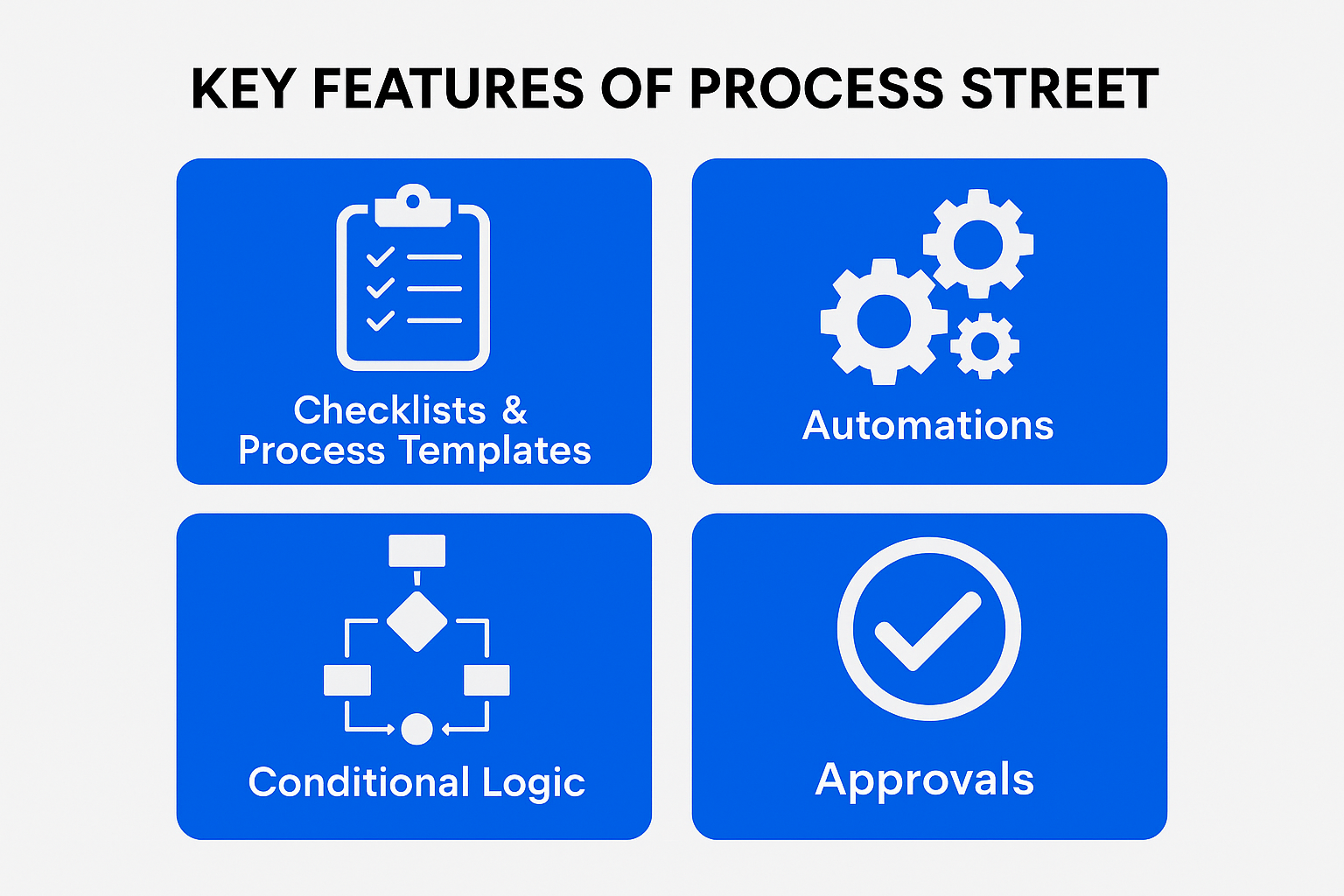
Key Features of Process Street
Checklists & Process Templates
Recurring Checklists
You can create checklists for things like onboarding, monthly tasks, or quality checks.
Dynamic Workflow Templates
Templates help standardize processes, ensuring consistency across teams.
Automations
No-Code Automation Builder
You don’t need coding skills—just point, click, and create automation rules.
Workflow Triggers
Automations trigger actions like:
- Sending emails
- Moving tasks
- Updating fields
- Integrating with external apps
Conditional Logic
Smart Workflow Decisions
Conditional logic makes workflows smarter by showing or hiding tasks based on user input.
Rule-Based Automation Paths
You can set rules, such as:
- If form response is X → perform action Y
Approvals
Single-Step Approvals
Get instant approval from managers.
Multi-Level Approvals
Perfect for complex teams, allowing multiple decision-makers.
Collaboration Tools
Assigning Tasks to Teams
Assign tasks with due dates and reminders.
Real-Time Collaboration
Team members can work inside the same checklist simultaneously.
In-Platform Communication
Process Street for Different Business Types
For SMBs
Perfect for standardizing operations and improving efficiency.
For Enterprises
Large companies get advanced reporting, controls, and automations.
For Remote Teams
Makes collaboration easier with centralized workflows.
Advanced Features That Businesses Love
Form Fields
Collect data using dropdowns, text boxes, dates, and files.
Trackable Activity Logs
Monitor progress and accountability.
Reporting & Analytics
Analyze performance using built-in dashboards.
Role-Based Permissions
Control who can view, edit, or run processes.
Real Use Cases
Onboarding New Employees
Create a smooth and consistent onboarding experience.
Client Onboarding
Guide clients through setup steps with automation.
SOP Documentation
Store all Standard Operating Procedures in one platform.
Compliance Management
Maintain proper documentation for audits and certifications.
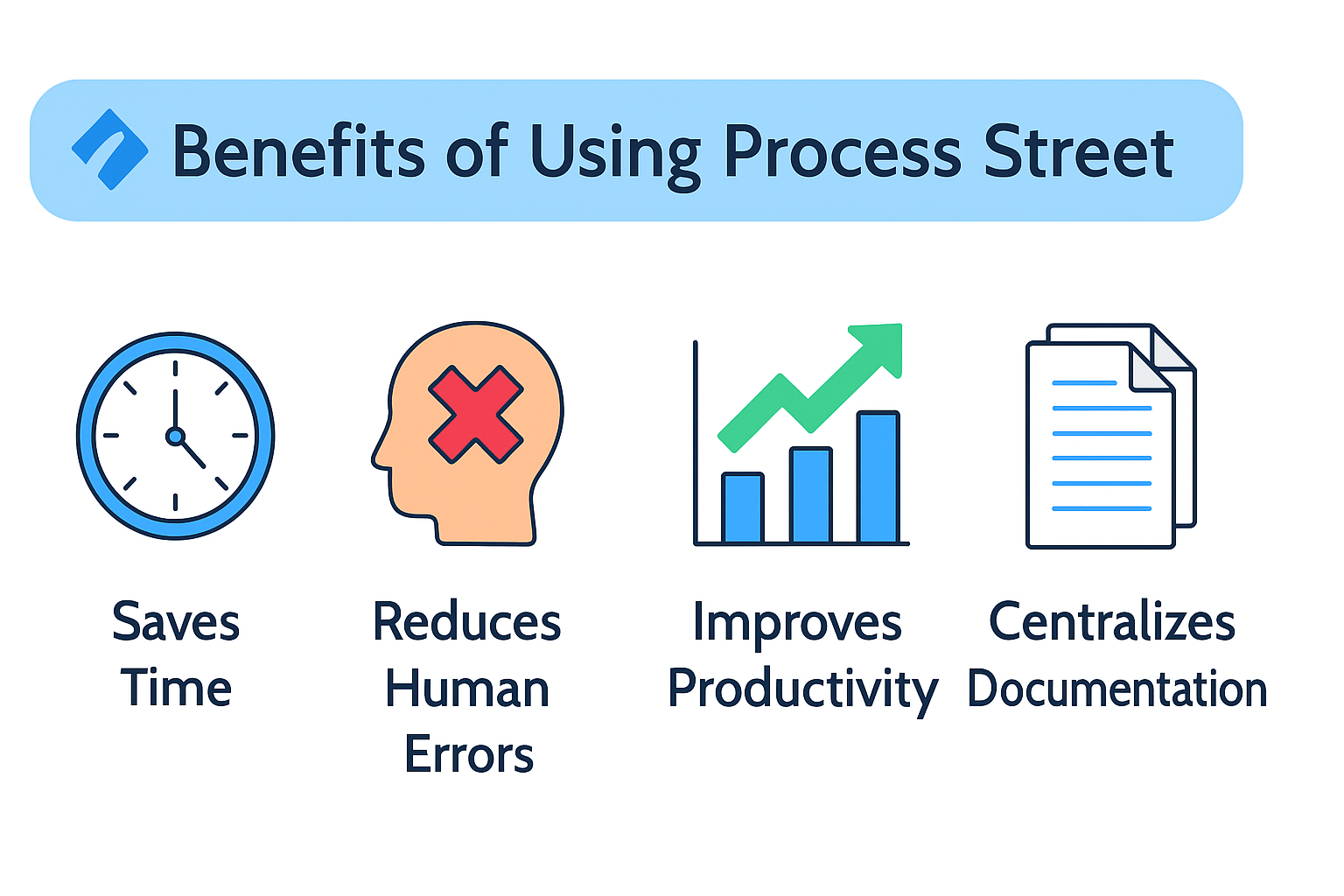
Benefits of Using Process Street
Saves Time
Automates repetitive tasks, allowing teams to focus on meaningful work.
Reduces Human Errors
Structured checklists minimize mistakes.
Improves Productivity
Teams work faster with clear workflows and automation.
Centralizes Documentation
Everything stays in one place—easy to track and update.
Process Street Mobile App
On-the-Go Workflow Management
Manage checklists from any mobile device.
Push Notifications
Receive reminders instantly.
Offline Task Handling
Work offline and sync when reconnected.
Pricing Plans
Free Plan
Great for individuals and small teams.
Pro Plan
Includes advanced features like conditional logic and automations.
Enterprise Solutions
Ideal for large companies needing custom features.
Tips to Use Process Street Like a Pro
Use Templates for Recurring Processes
Reduce setup time and ensure consistency.
Enable Automations Early
Automations reduce manual errors.
Store SOPs in One Place
Easier to train new employees.
Track Team Performance
Monitor progress through analytics.
Common Mistakes Beginners Make
Overusing Complex Automations
Start simple—add complexity later.
Not Updating Templates
Outdated templates slow down workflow efficiency.
Missing Role Permissions Setup
Incorrect permissions can cause confusion or errors.
Is Process Street Worth It for Growing Businesses?
Scalability
It grows with your team and business needs.
Accessibility
Beginner-friendly with no coding required.
Ease of Use
Simple interface and powerful automation capabilities.
Conclusion
Process Street is more than a checklist tool—it’s a workflow automation powerhouse. For growing businesses, it offers structure, efficiency, productivity improvements, and reliable automation that scales with your goals. Whether you’re onboarding employees, managing compliance, or building SOPs, Process Street makes everything faster, easier, and smarter.
Frequently Asked Questions