PC problems have a funny way of appearing at exactly the wrong time. A computer that worked perfectly yesterday can suddenly become slow, unstable, flooded with error messages, or unable to launch an important application. For experienced technicians, troubleshooting these problems may be routine, but for ordinary Windows users, the process can feel like trying to repair a car without knowing where the engine is. That gap between technical complexity and everyday convenience helped create demand for automated PC repair software, and Restoro became one of the recognizable names associated with this category.
Why Restoro Became a Recognizable Name in PC Repair
The Demand for Simpler Windows Repair Tools
The popularity of PC repair software comes from a straightforward problem: Windows troubleshooting can be complicated. A user experiencing corrupted files, repeated crashes, poor performance, suspicious software activity, or system instability may not know whether the cause is malware, damaged system components, conflicting applications, incorrect settings, insufficient storage, or failing hardware.
Restoro’s All-in-One Repair Approach
One of Restoro’s strongest differentiators was its all-in-one positioning. Instead of presenting itself purely as an antivirus product or a disk cleaner, it combined several repair-oriented functions under a single umbrella. Independent reviews have described capabilities involving Windows file replacement, malware detection, system assessment, junk-file cleanup, and repair of problems associated with damaged system components.
The Role of User-Friendly Design in Restoro’s Appeal
Simplifying Complex Technical Information
Technical information can be difficult for ordinary computer users to interpret. Terms such as registry errors, corrupted system files, memory problems, startup conflicts, and security threats may sound serious without explaining what action should actually be taken. Restoro’s user-oriented design attempted to transform complicated diagnostic information into understandable recommendations.
Guiding Users Through the Repair Process
Guided workflows can make troubleshooting much easier. Instead of forcing users to search through multiple menus or execute commands individually, Restoro’s process was centered around scanning the computer and presenting potential repair actions. This creates a clear sequence: identify possible issues, review the results, and proceed with the recommended repair process.
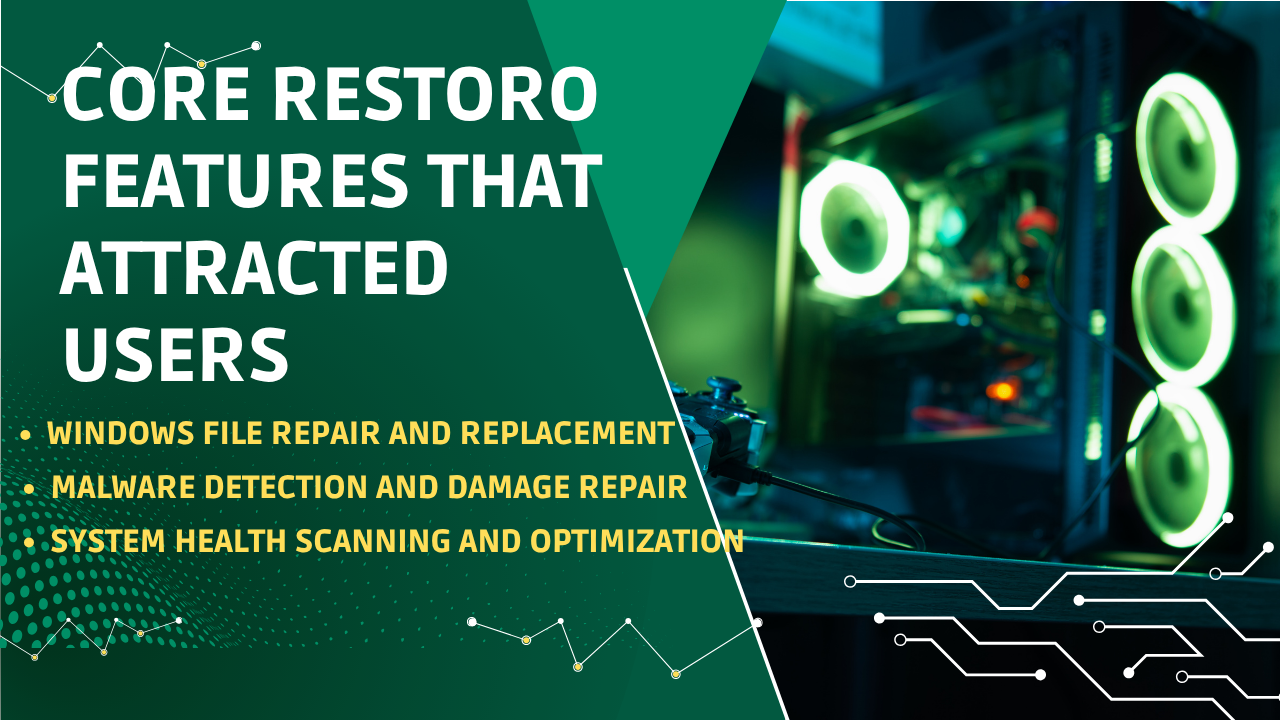
Core Restoro Features That Attracted Users
Windows File Repair and Replacement
A major part of Restoro’s identity has been its focus on damaged or missing Windows system files. Operating-system files can become corrupted for many reasons, including failed updates, unexpected shutdowns, malware activity, software conflicts, and storage problems.
Malware Detection and Damage Repair
Security was another important component of Restoro’s appeal. Modern PC problems are not always caused by ordinary software bugs. Malware can modify system settings, damage files, consume resources, interfere with applications, or create instability.
System Health Scanning and Optimization
Restoro’s broader system health assessment helped reinforce its position as more than a single-purpose repair utility. Reviews have described scanning for hardware, security, and stability issues, while other product descriptions mention cleanup of temporary files and repair of system settings.
Restoro’s Position in the Competitive PC Repair Market
Restoro Compared With Traditional PC Utilities
Restoro entered a market containing several different types of tools, including antivirus programs, registry utilities, disk cleaners, driver-management applications, Windows troubleshooting tools, and technician-oriented repair suites.
The Appeal of One-Click Repair
The phrase one-click repair captures the fundamental consumer appeal of products like Restoro. People are willing to tolerate complexity when they are learning something, but when their computer is failing, convenience becomes a major factor.
Pricing and Value Considerations
Price has always been an important part of the PC repair software discussion. Restoro reviews have reported different prices and licensing structures over time, which makes current verification particularly important.
Benefits of Using Automated PC Repair Software
Saving Time During Troubleshooting
The biggest practical advantage of automated repair software is time savings. Manual troubleshooting can involve searching error messages, testing different solutions, restarting the system repeatedly, checking logs, and researching technical documentation. For users with limited technical knowledge, even identifying the correct problem can take hours.
Identifying Multiple System Issues
Computers often have more than one problem at the same time. A system might have unnecessary files, outdated software, damaged Windows components, and security-related issues simultaneously. Treating only one symptom may therefore produce limited results.
The all-in-one approach associated with Restoro was designed to address this challenge. By scanning multiple areas of the system, repair software can potentially provide a broader picture of computer health. This is particularly useful for users who know that something is wrong but cannot identify exactly what is causing the problem.
Reducing Dependence on Manual Repairs
Manual repair is not necessarily bad, but it requires knowledge and patience. Advanced users may prefer command-line tools because they provide detailed control. Beginners, however, can easily make mistakes when changing system settings or deleting important files.
How to Evaluate PC Repair Software Before Using It
Checking Current Product Availability
Before downloading any repair utility, users should verify that the product is currently available and actively supported. This is particularly important with Restoro because current online sources have provided conflicting information about its status.
Reviewing Pricing and Subscription Terms
Pricing is another area where consumers should pay attention. A low advertised price may apply only to an initial purchase, while continued access may involve a subscription or renewal. Users should understand the full cost before entering payment information.
Examining Privacy, Security, and Support Policies
PC repair applications may scan files, system information, installed applications, and other technical data. Users should therefore review the software’s privacy policy and security practices before installation. Understanding what information is collected and how it is processed can help consumers make better decisions.
Restoro’s Influence on Consumer Expectations
Demand for One-Click Troubleshooting
Restoro contributed to the growing expectation that PC maintenance should be simple and automated. Consumers increasingly prefer software that can diagnose common issues without requiring them to understand every technical detail.
Preference for Automated System Scanning
Automated scanning has become one of the most recognizable features of PC maintenance software. Users appreciate the ability to initiate a scan and receive a structured assessment rather than manually checking dozens of system components.
Expecting Clear Repair Recommendations
Today’s users expect software to explain what is wrong and what should be done next. A list of technical errors without context is rarely helpful to a beginner. Restoro’s consumer-focused approach helped reinforce the idea that repair software should translate technical findings into practical recommendations.
Choosing the Right PC Repair Solution
When Built-In Windows Tools Are Enough
Users should not automatically install third-party repair software whenever Windows behaves strangely. Built-in Windows tools can handle many common problems, including system recovery, security scanning, storage management, updates, and system-file repair.
When Third-Party Repair Software Makes Sense
Third-party repair software may make sense when a user wants a simpler diagnostic experience or prefers having multiple maintenance functions presented through one interface. It can be particularly appealing to people who are uncomfortable using command-line tools or manually interpreting Windows diagnostics.
When Professional Technical Support Is Better
Some PC problems are too serious or complicated for automated repair software. Repeated blue-screen errors, failing storage devices, suspected hardware damage, severe malware infections, data-recovery situations, and persistent boot failures may require professional assistance.
The Future of PC Repair Software
AI-Powered Diagnostics and Automation
The next stage of PC repair software is likely to become increasingly intelligent. Traditional diagnostic applications follow predefined rules: check a component, detect a known problem, and recommend a corresponding action.
The Shift Toward Preventive PC Maintenance
The PC repair market is also moving from reactive repair toward preventive maintenance. Instead of waiting for Windows to crash, users increasingly want systems that detect warning signs before a serious failure occurs. Storage health, overheating, outdated applications, unusual resource consumption, security anomalies, and repeated crashes can all provide early clues.
What Modern Users Expect From Repair Tools
Restoro helped establish many of these expectations within consumer PC repair software. Its emphasis on automated scanning, system repair, malware-related damage, and usability gave it a recognizable identity.
Conclusion
Restoro’s story reflects the larger evolution of the PC repair software market. Users have consistently wanted easier ways to diagnose slow performance, damaged Windows files, malware-related problems, crashes, and system instability without becoming computer technicians themselves. Restoro responded to that demand with a combination of automated diagnostics, Windows file repair, malware-related repair, system assessment, and a simplified user interface.
Frequently Asked Questions