Discover how Restream can elevate your live streaming strategy with powerful features that boost visibility, engagement, and professional-quality broadcasts. This guide breaks down the essential tools inside Restream that help creators, businesses, and streamers achieve live streaming success effortlessly.
Introduction to Restream
Live streaming is one of the fastest-growing ways to connect with an audience. Whether you’re a gamer, content creator, business owner, or educator, live video gives you a powerful way to engage and build trust. Restream is a platform designed to make that process easier, faster, and more effective.
What Is Restream?
Restream is a cloud-based live-streaming tool that lets you broadcast your content to multiple platforms at the same time. Think Facebook, YouTube, LinkedIn, Twitch—all at once. No need for complicated setups or multiple devices.
Why Live Streaming Matters Today
People prefer live content because it’s real, unfiltered, and engaging. Live streaming helps:
- Build brand authenticity
- Increase interaction
- Generate higher watch time
- Reach audiences instantly
Restream amplifies all these benefits by giving you powerful features that make your streams smoother and more professional.
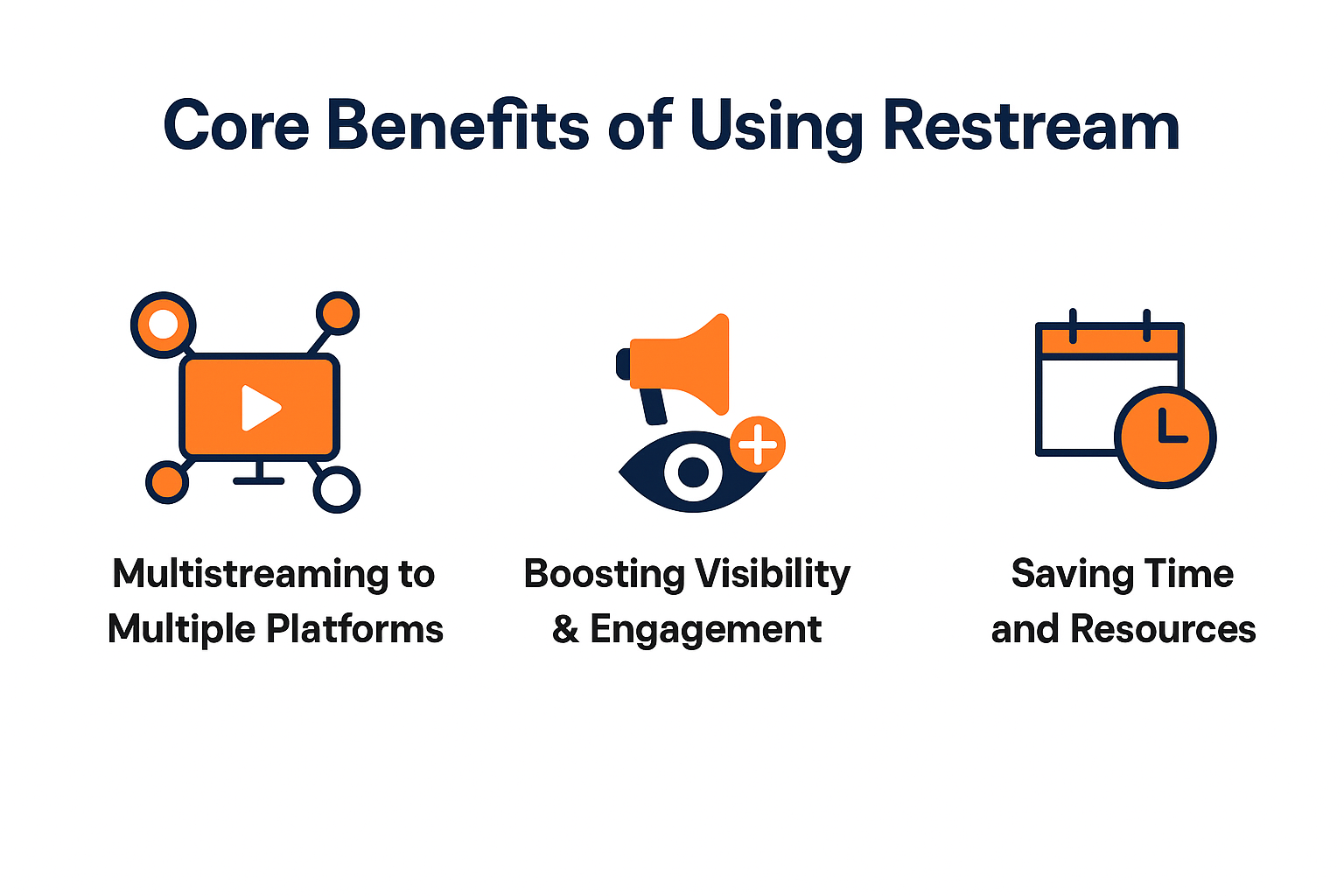
Core Benefits of Using Restream
Multistreaming to Multiple Platforms
One of the biggest advantages of Restream is multistreaming. Instead of choosing one platform, you can go live on all major platforms at the same time. This boosts your visibility and helps you reach different audience segments instantly.
Boosting Visibility & Engagement
More platforms = more viewers = better engagement. You’re not limited to one community; your message spreads everywhere.
Saving Time and Resources
You no longer need multiple tools or setups. Restream makes the entire process efficient, simple, and beginner-friendly.
Must-Have Restream Features for Streamers
Studio Mode
Restream Studio gives you a fully functional broadcasting studio right in your browser.
Browser-Based Streaming
No software downloads. You can start streaming directly from Chrome, Edge, or Firefox.
Easy Text, Media & Overlay Controls
Add lower-thirds, banners, images, videos, and background music in real-time with a click.
Custom Branding Features
Branding is what makes your stream look professional and memorable.
Logos, Colors & Layouts
You can add custom brand elements—logos, themes, and even brand colors.
Professional Scene Switching
Switch scenes smoothly during your live broadcast like a pro.
Chat Aggregation
Unified Chat From All Platforms
Restream combines chat messages from all your platforms into one feed. No need to switch tabs or apps.
Better Audience Interaction
Reply faster, engage more, and build stronger connections.
Analytics Dashboard
Platform-by-Platform Insights
See which platforms perform best. Understand viewer trends and engagement.
Real-Time Performance Metrics
Monitor viewer counts, average watch time, and chat activity while live.
Stream Scheduling
Pre-recorded Video Streaming
You can upload a pre-recorded video and stream it as live. Perfect for creators who want to stay consistent.
Automated Posting & Reminders
Schedule your streams and let Restream notify your followers automatically.
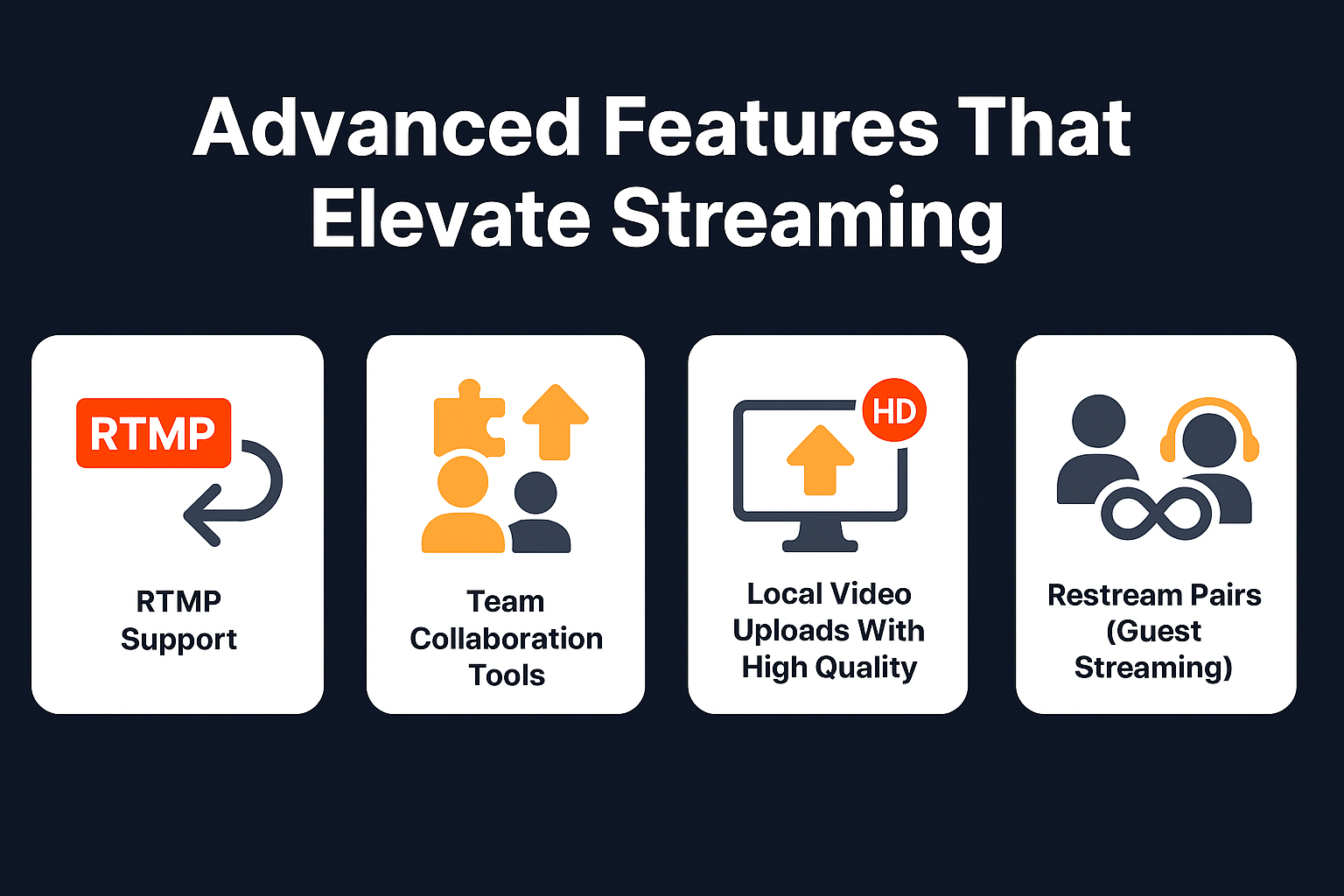
Advanced Features That Elevate Streaming
RTMP Support
Stream from OBS, Streamlabs, Zoom, or any broadcasting software directly to Restream.
Team Collaboration Tools
Add team members who can help manage chats, branding, and stream settings.
Local Video Uploads With High Quality
Upload HD videos and stream them flawlessly.
Restream Pairs (Guest Streaming)
Let your guests stream your event directly to their social profiles. Imagine multiplying your reach instantly.
How Restream Helps You Grow Faster
Increased Reach Across Social Platforms
The more platforms you appear on, the bigger your audience grows.
Stronger Community Engagement
Chat aggregation helps you connect with all communities without missing anyone.
Enhanced Brand Recognition
Professional layouts and branding make your content memorable.
Best Use Cases for Restream
Podcasters & Talk Shows
Host interviews and round-table discussions with multi-camera layouts.
Gamers & E-sports
Stream gameplay to Twitch, YouTube, and Facebook simultaneously.
Online Coaches & Educators
Teach live sessions and grow your following faster.
Businesses & Product Launches
Launch products or run webinars across multiple social networks.
Tips to Maximize Your Live Streaming Success With Restream
Improve Audio & Video Quality
Good lighting and a quality microphone can boost viewer retention.
Use Professional Branding
Keep your stream visually consistent and professional.
Engage With Viewers Actively
Respond to chats, ask questions, and build conversations.
Analyze Streams & Optimize
Use analytics to identify what works and what needs improvement.
Conclusion
Restream is more than just a multistreaming tool—it’s a complete live-streaming solution. Whether you’re a beginner or a professional, Restream’s features help you enhance your visibility, engage your audience, and deliver polished, professional live content. With powerful tools like custom branding, analytics, multistreaming, and cloud recording, Restream gives you everything you need to succeed in today’s competitive live-streaming world.
Frequently Asked Questions