Learn how to effectively use Restream to broadcast live across multiple platforms at once and boost your audience reach. This guide explains how to set up your stream, engage viewers in real time, and maximize your visibility to grow your online presence effortlessly.
Introduction
In today’s digital world, content creators, entrepreneurs, brands, educators, and entertainers want to reach audiences everywhere—not just on one platform. That’s where Restream comes in. Restream allows you to broadcast live to multiple streaming platforms at the same time, helping you reach a wider audience without extra effort.
Instead of repeating the same live session multiple times on different platforms, you go live once and Restream distributes it across channels like Facebook, YouTube, LinkedIn, Twitch, Twitter/X, and more. It saves time, boosts visibility, and increases engagement.
Setting Up Restream
Creating Your Restream Account
Go to restream.io and sign up using Google, Facebook, or email. Even for novices, the dashboard is straightforward and simple to use.
Connecting Social Media and Streaming Platforms
Inside your dashboard, click Add Destination and link your accounts. Popular platforms include:
Facebook
Connect your personal profile, pages, or groups.
YouTube
You can stream to your channel or schedule a live event.
Twitch
Perfect for gaming and interactive streams.
LinkedIn Live
Ideal for professional webinars and business updates.
Managing Streaming Destinations
You can enable or disable platforms with a single toggle—useful when targeting different audience segments.
Preparing Your Live Stream
Choosing the Right Streaming Software
You can use:
- Restream Studio (no software download needed)
- OBS Studio
- Streamlabs
- XSplit
Restream offers step-by-step configuration guides for each.
Check Your Setup
Make sure:
- Your internet upload speed is stable (at least 5 Mbps recommended)
- Your webcam is positioned correctly
- Your microphone gives clear audio (audio quality matters more than video!)
Set Platform-Specific Titles and Descriptions
Customize messaging per platform to boost search reach and click-throughs.
Using Restream Studio
You can go live right from your browser with Restream Studio.
Features Include:
- Custom overlays and frames
- Logo watermark and intro/outro scenes
- Screen-sharing and guest invitations
- Real-time cross-platform chat display
Displaying chat in real-time helps creators react instantly and build a more personal connection.
Engaging Your Audience
Engagement is the heart of live streaming. Here’s how to keep viewers involved:
- Ask questions during the stream
- Respond to viewer comments by name
- Use polls, live Q&A, and shout-outs
- Keep energy high and encourage participation
Remember: The more interactive your stream is, the longer people stay.
Tips for Increasing Engagement
Strategy | Result |
Stream at the same time consistently | Builds loyal audience |
Promote your stream 24 hours before | Increases attendance |
Collaborate with others | Expands your reach |
Create memorable visuals | Makes your stream recognizable |
Small consistency leads to big growth over time.
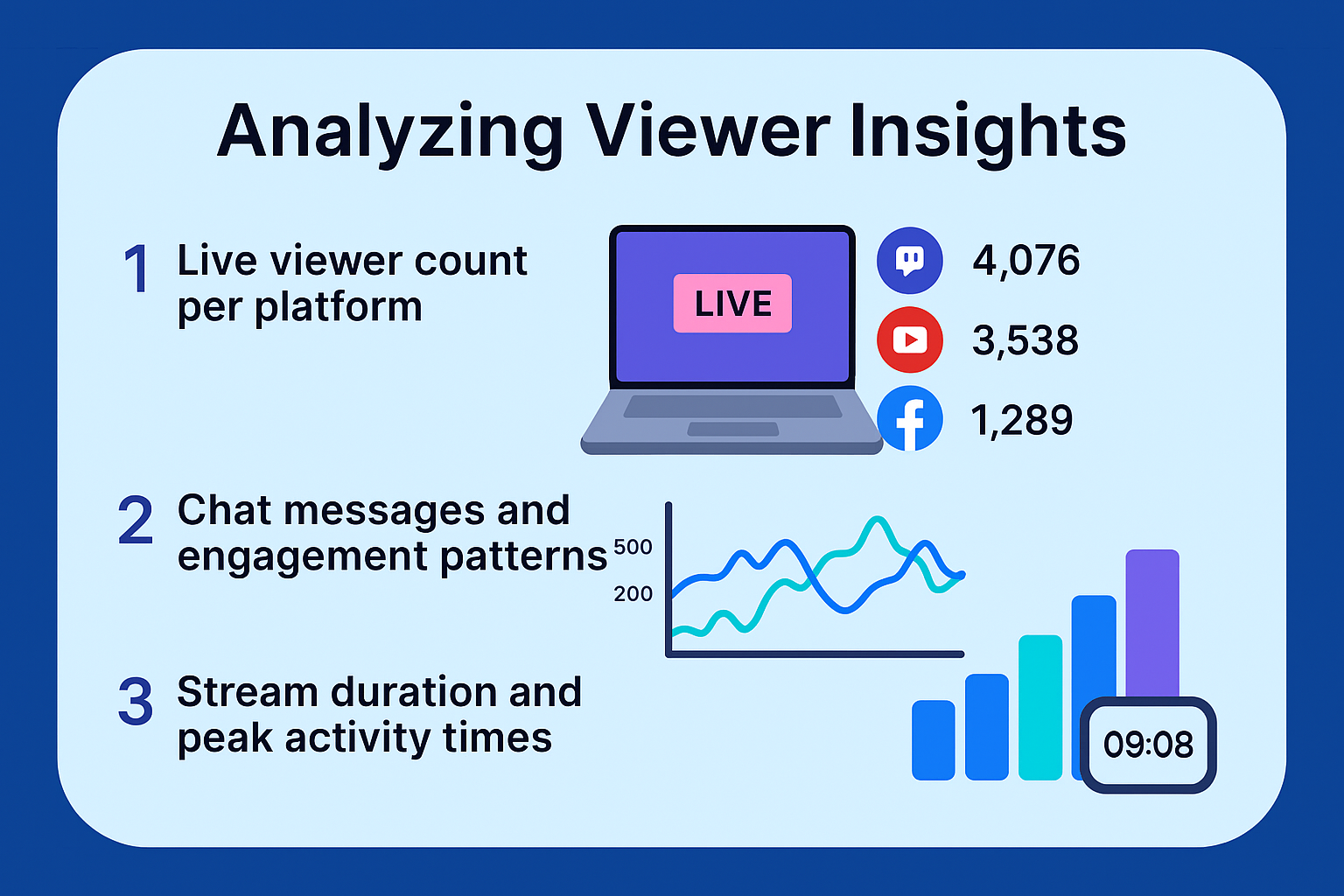
Analyzing Viewer Insights
Restream gives you an analytics panel where you can see:
- Live viewer count per platform
- Chat messages and engagement patterns
- Stream duration and peak activity times
Use these insights to improve future streams and understand what your audience responds to.
Going Live with Restream
Using Restream Studio
This is perfect for easy, professional live streams from your browser.
Add Branding
You can add:
- Lower-thirds
- Logos
- Banners
- Animated backgrounds
Test Before You Go Live
Always run a test stream to avoid awkward surprises.
Strategies to Engage Viewers Across Platforms
Use Chat Aggregation
Restream displays all chats in one window, so no viewer feels ignored.
Encourage Interaction
Ask direct questions like:
“Where are you watching from?”
Use Calls to Action
Examples:
- “Subscribe for weekly live sessions”
- “Visit the link in the description”
- “Drop a comment so I know you’re here!”
Tips for Growing a Multi-Platform Community
- Stick to a consistent streaming schedule
- Offer behind-the-scenes content to loyal viewers
- Bring guest speakers to attract new audiences
Best Practices for Professional Stream Quality
- Use wired internet instead of WiFi
- Add a good microphone (audio matters more than video!)
- Use Restream Analytics to track viewer growth and behavior
Common Mistakes to Avoid
- Ignoring comments across platforms
- Streaming to too many platforms at once (start with 2–3)
- Forgetting consistent branding
Conclusion
Using Restream is one of the easiest and most effective ways to grow your audience. It allows you to broadcast once and automatically appear everywhere your audience already is. Whether you’re a creator, coach, gamer, or business owner, Restream helps you maximize engagement, save time, and expand your visibility across multiple platforms effortlessly.
Start small, stay consistent, interact with your audience—and watch your community grow.
Frequently Asked Questions