This blog post explains how Wrike helps teams stay organized and productive through powerful task management, real-time collaboration, customizable workflows, and automation features. Discover why Wrike is one of the most effective tools for boosting team efficiency and streamlining project management.
Introduction
Why Team Productivity Tools Matter
Staying organized in today’s fast-moving work environment is tough. With endless emails, scattered tasks, and unclear deadlines, things can slip through the cracks fast. That’s why productivity tools have become essential—they bring structure, clarity, and focus to team workflows.
The Role of Wrike in Modern Workplaces
Wrike stands out as a powerful work management tool designed to simplify collaboration, streamline communication, and keep teams aligned. Whether you’re managing projects, marketing campaigns, or daily tasks, Wrike keeps everything organized in one place.
What Makes Wrike Unique?
All-in-One Workspace
Instead of juggling multiple tools, Wrike centralizes your tasks, projects, files, and communication in one workspace.
Customizable Workflows
Every team works differently. Wrike allows you to create workflows tailored to your exact processes.
User-Friendly Dashboards
Visual dashboards give teams instant clarity on what’s pending, in progress, or completed.
Real-Time Collaboration Features
Wrike updates instantly—when someone edits a task, uploads a file, or leaves a comment, the whole team sees it in real time.
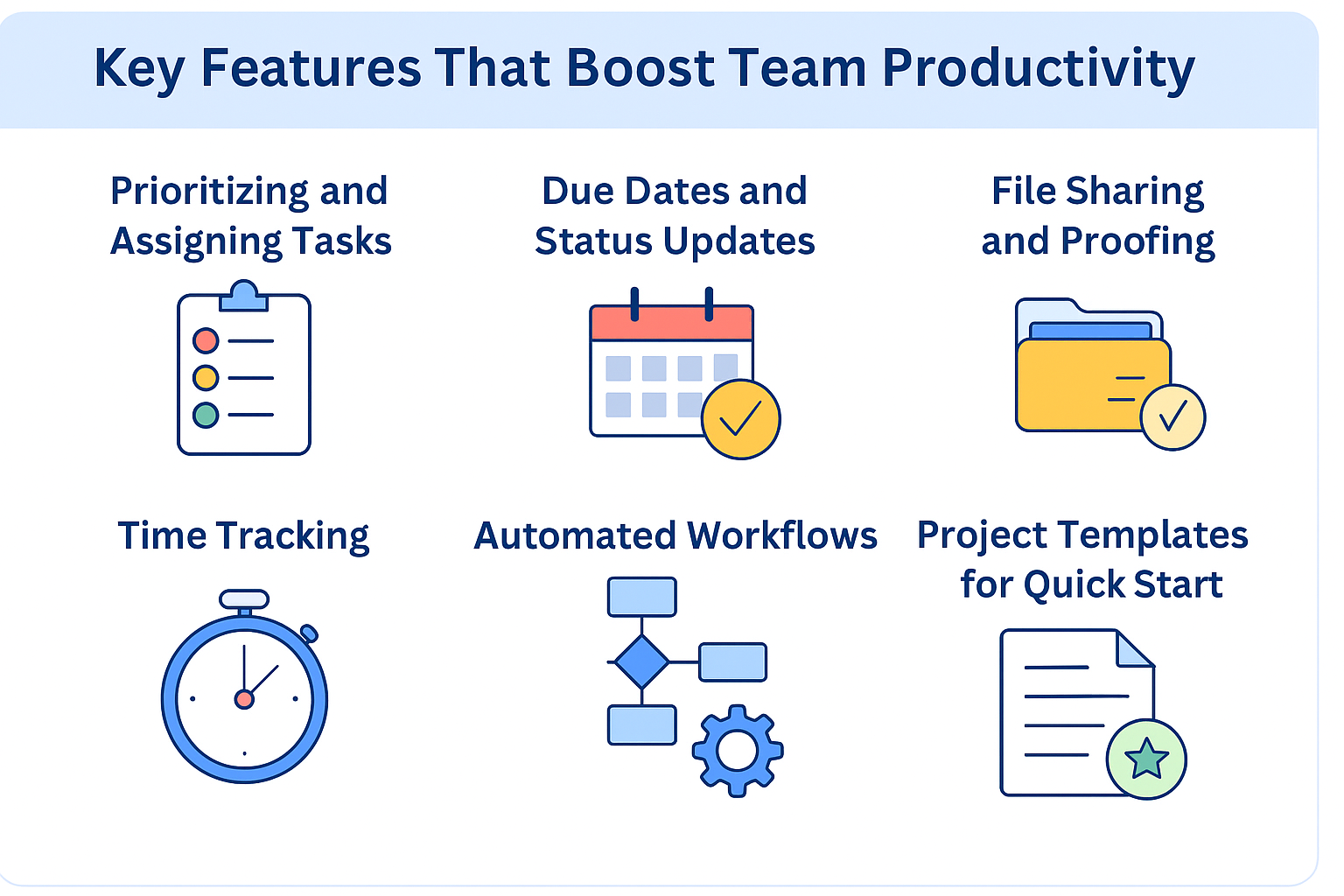
Key Features That Boost Team Productivity
Task Management
Prioritizing and Assigning Tasks
Assign tasks to team members, set priorities, and add detailed descriptions to eliminate confusion.
Due Dates and Status Updates
Setting clear deadlines and statuses helps teams stay aligned and reduces guesswork.
File Sharing and Proofing
Share files directly within tasks and use Wrike’s built-in proofing tools to review content without endless email chains.
Time Tracking
Wrike lets teams track time spent on tasks, making it easy to manage workloads and measure productivity.
Automated Workflows
Automation takes care of repetitive tasks—like moving projects to the next stage—saving hours every week.
Project Templates for Quick Start
Choose from ready-made templates to start new projects instantly without recreating processes.
Wrike for Team Organization
Custom Dashboards
Create dashboards based on roles, teams, or priorities to view only what matters most.
Centralized Workspace
All tasks, files, and conversations live in one organized location, eliminating scattered data.
Seamless Resource Allocation
Wrike helps ensure no team member is overbooked or underutilized by giving clear workload visibility.
How Wrike Improves Collaboration
Real-Time Activity Streams
Teams can see updates happening live, reducing delays and misunderstandings.
@Mentions and Comments
Tag teammates, ask questions, or share updates directly inside tasks.
Cross-Team Visibility
Sales, marketing, and development teams can collaborate efficiently with transparent workflows.
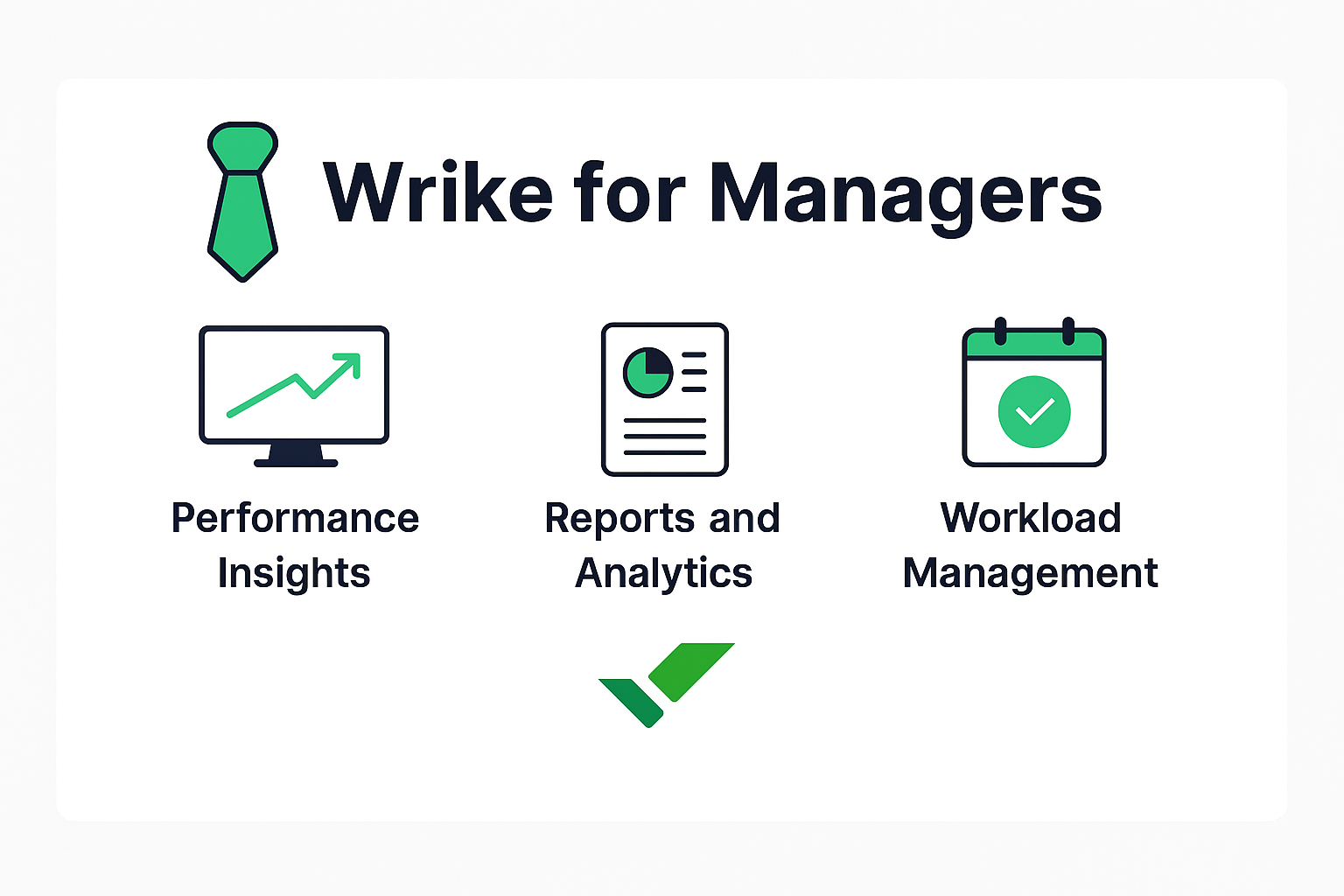
Wrike for Managers
Performance Insights
Managers get clear insights into team progress, potential delays, and performance metrics.
Reports and Analytics
Generate detailed reports to track productivity, timelines, and outcomes.
Workload Management
Wrike’s workload features help managers distribute tasks evenly and avoid burnout.
Integration Capabilities
Tools Wrike Integrates With
Wrike connects with popular apps like:
- Google Workspace
- Slack
- Microsoft Teams
- Zoom
- Salesforce
- Adobe Creative Cloud
Benefits of Unified Workflows
Integrations reduce switching between apps and make data accessible everywhere.
Strengths of Wrike
Highly Customizable
From workflows to dashboards, everything can be tailored.
Scalable for All Teams
Whether you’re a small team or a large enterprise, Wrike grows with you.
Great for Remote Collaboration
With cloud-based access, remote teams stay coordinated effortlessly.
Weaknesses of Wrike
Slight Learning Curve
New users may need some time to understand advanced features.
Advanced Features Require Higher Plans
Automation and reporting tools come with premium plans.
Who Should Use Wrike?
Best for Small to Large Teams
Wrike fits businesses of all sizes and backgrounds.
Ideal for Project-Heavy Companies
Marketing teams, IT teams, and agencies benefit the most.
Not Perfect for Simple Task Tracking
If you only need basic to-do lists, Wrike may feel too advanced.
Real-World Benefits of Wrike
Faster Project Delivery
Teams complete work quicker due to clear planning and efficient task flow.
Fewer Missed Deadlines
Built-in reminders and workflow automation keep everyone on track.
Increased Accountability
Every task has an owner, reducing confusion and boosting responsibility.
Conclusion
Wrike brings structure, clarity, and collaboration to any workplace. With powerful features like task management, automation, reporting, and real-time communication, Wrike helps teams stay organized and consistently productive. Whether you’re managing small tasks or complex projects, Wrike provides the tools you need to succeed.
Frequently Asked Questions